


Feedback and star ratings on any page
Ask Was this helpful? or collect 1 to 5 stars on docs, articles and product pages. It matches your site in light and dark, results are grouped per page, and you change its look in the dashboard without touching code.
From widget to results
Six screens, and what you can do on each.
What visitors see
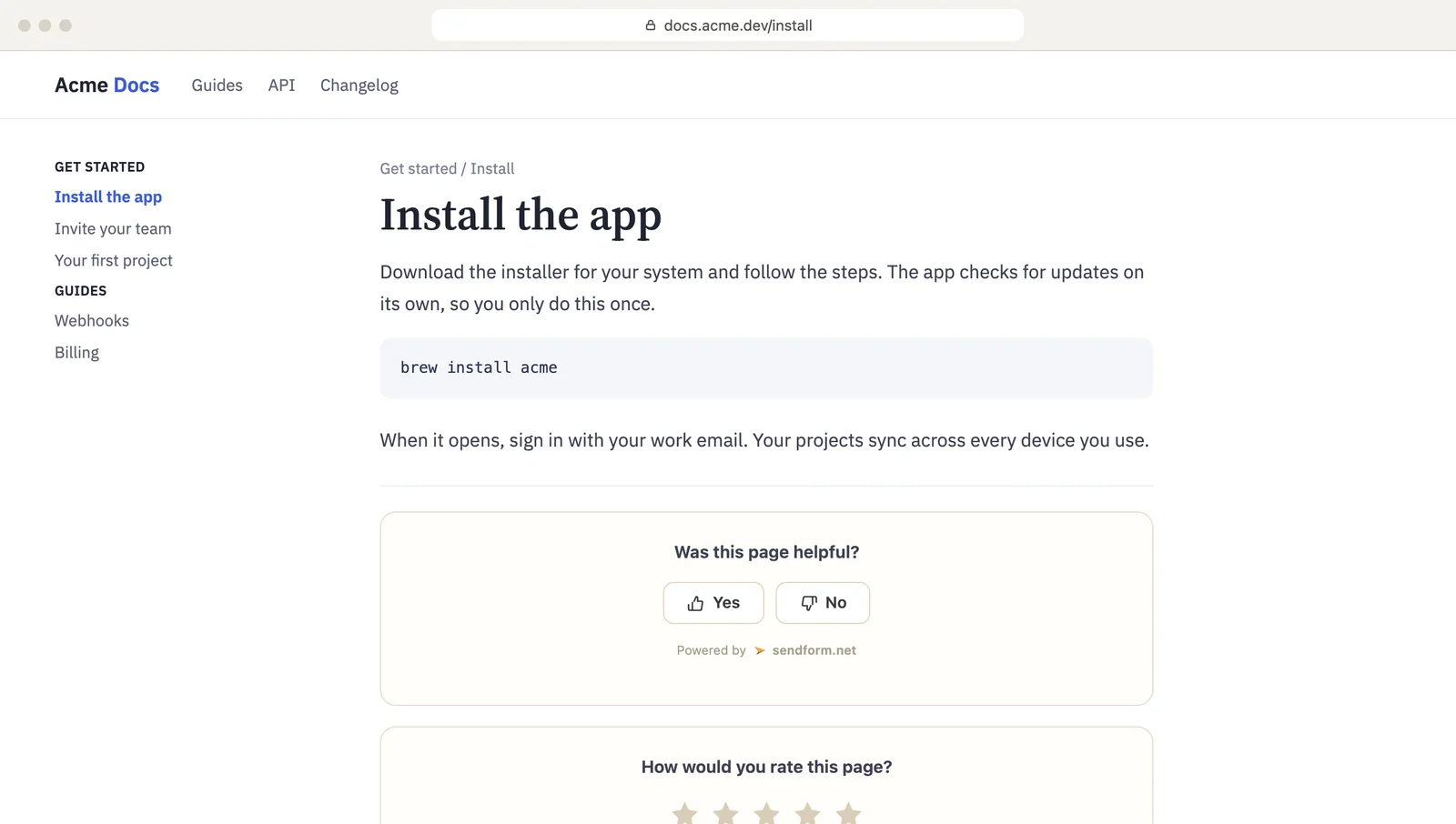
A small widget under your content. One click to vote, an optional comment after.
- Yes or no Was this helpful?
- Or stars 1 to 5
- A comment optional, after the vote
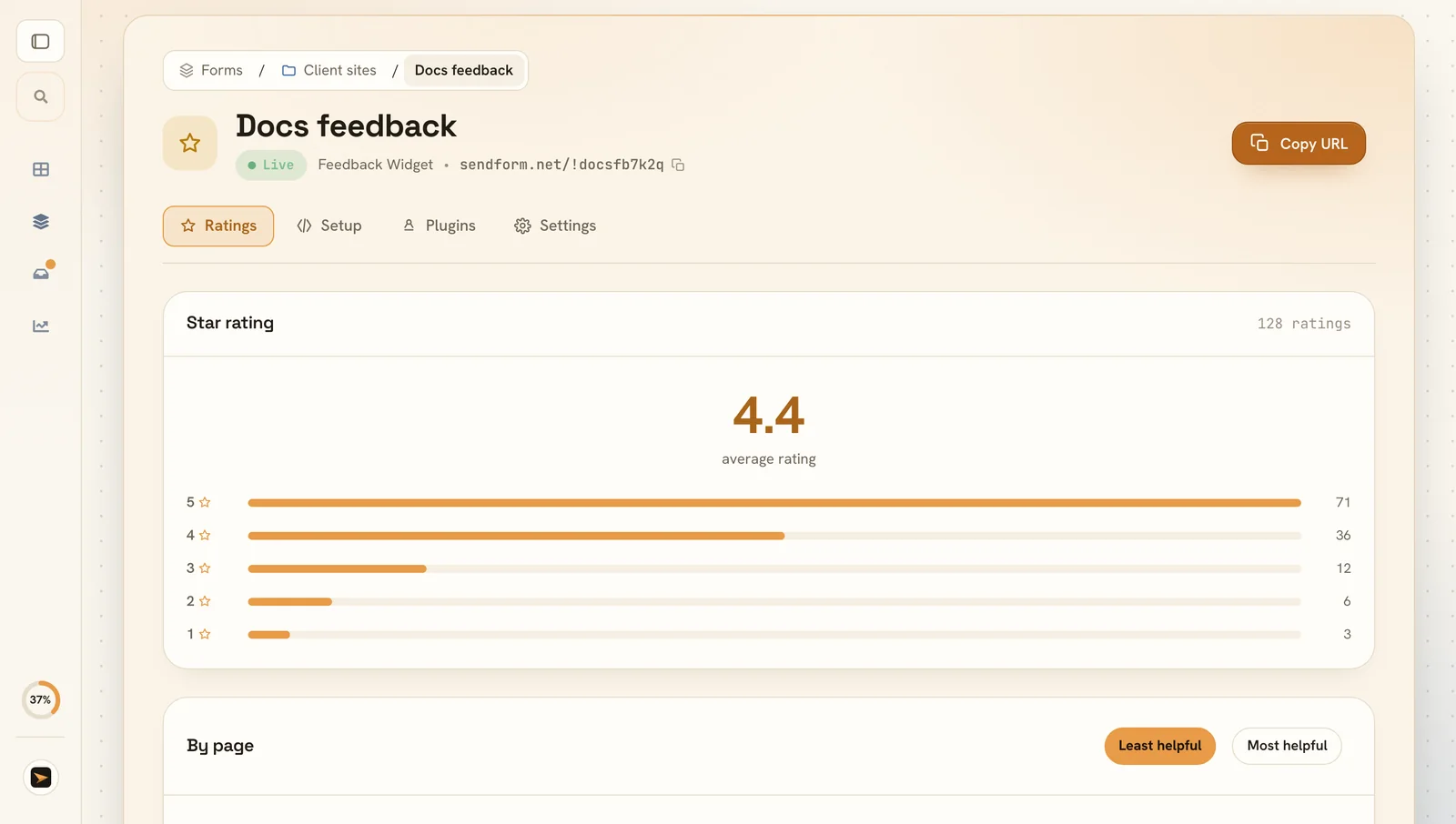
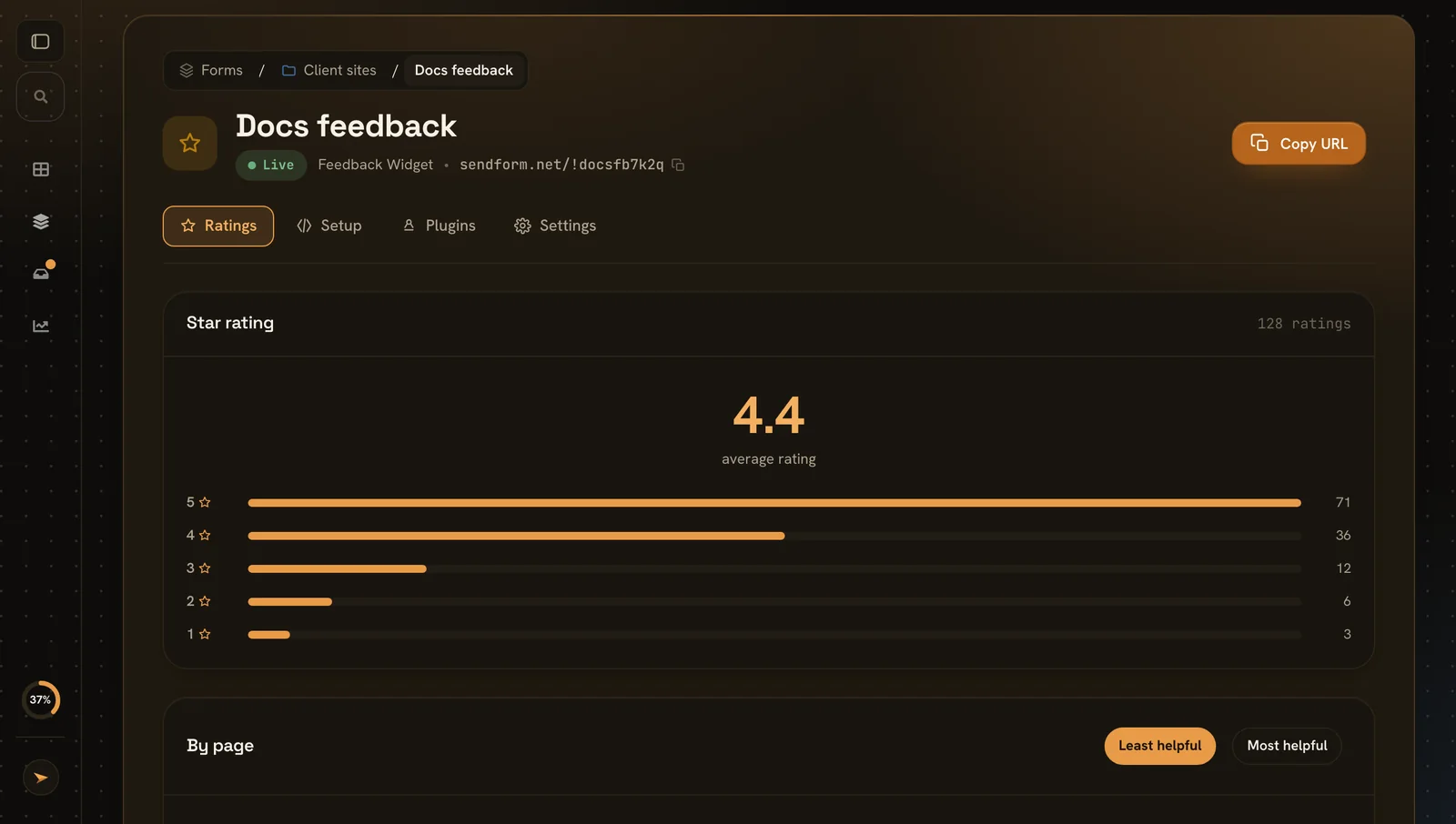
Star ratings
Your average and how many people gave each star.
- Average your headline number
- Spread votes per star
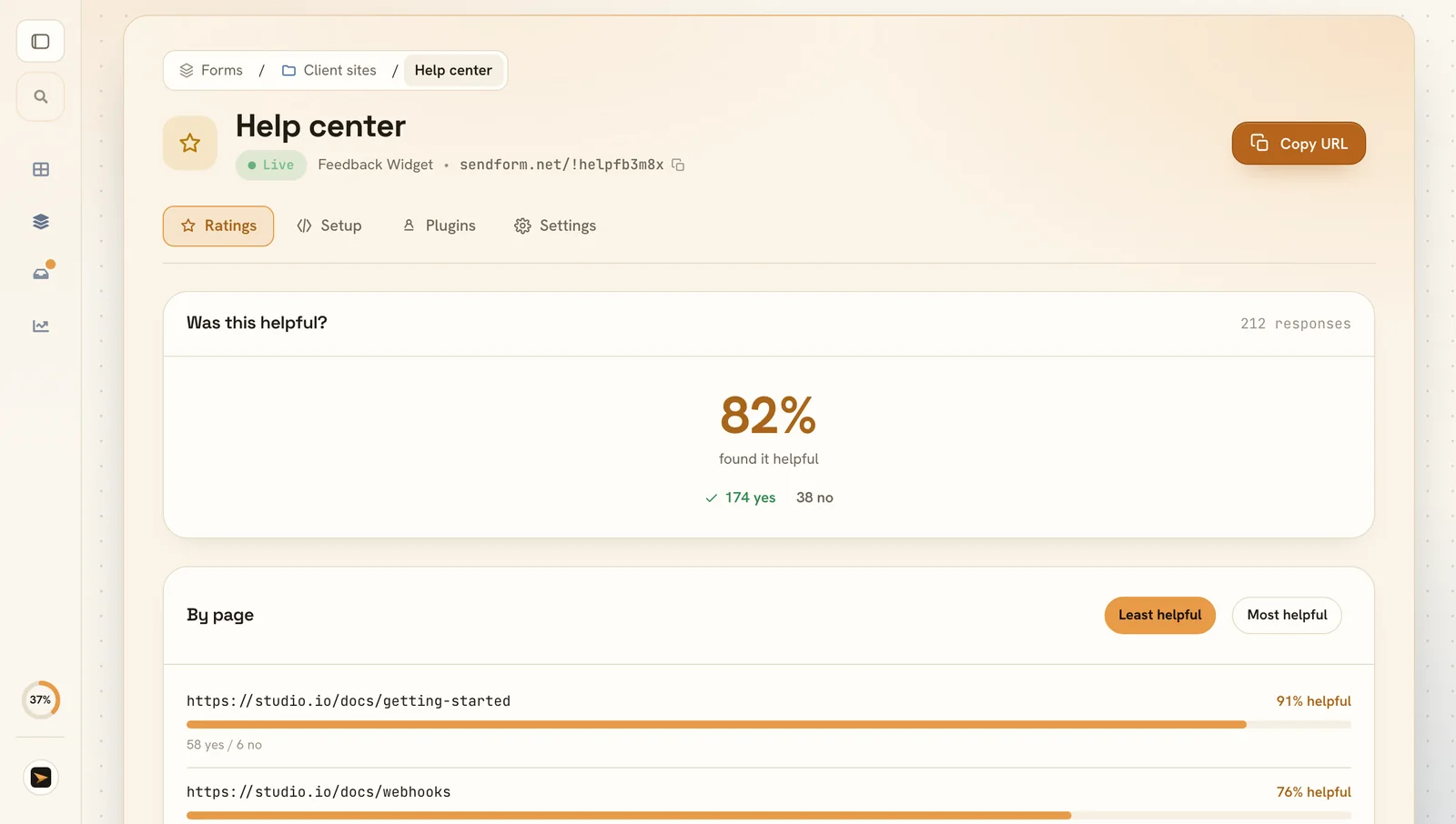
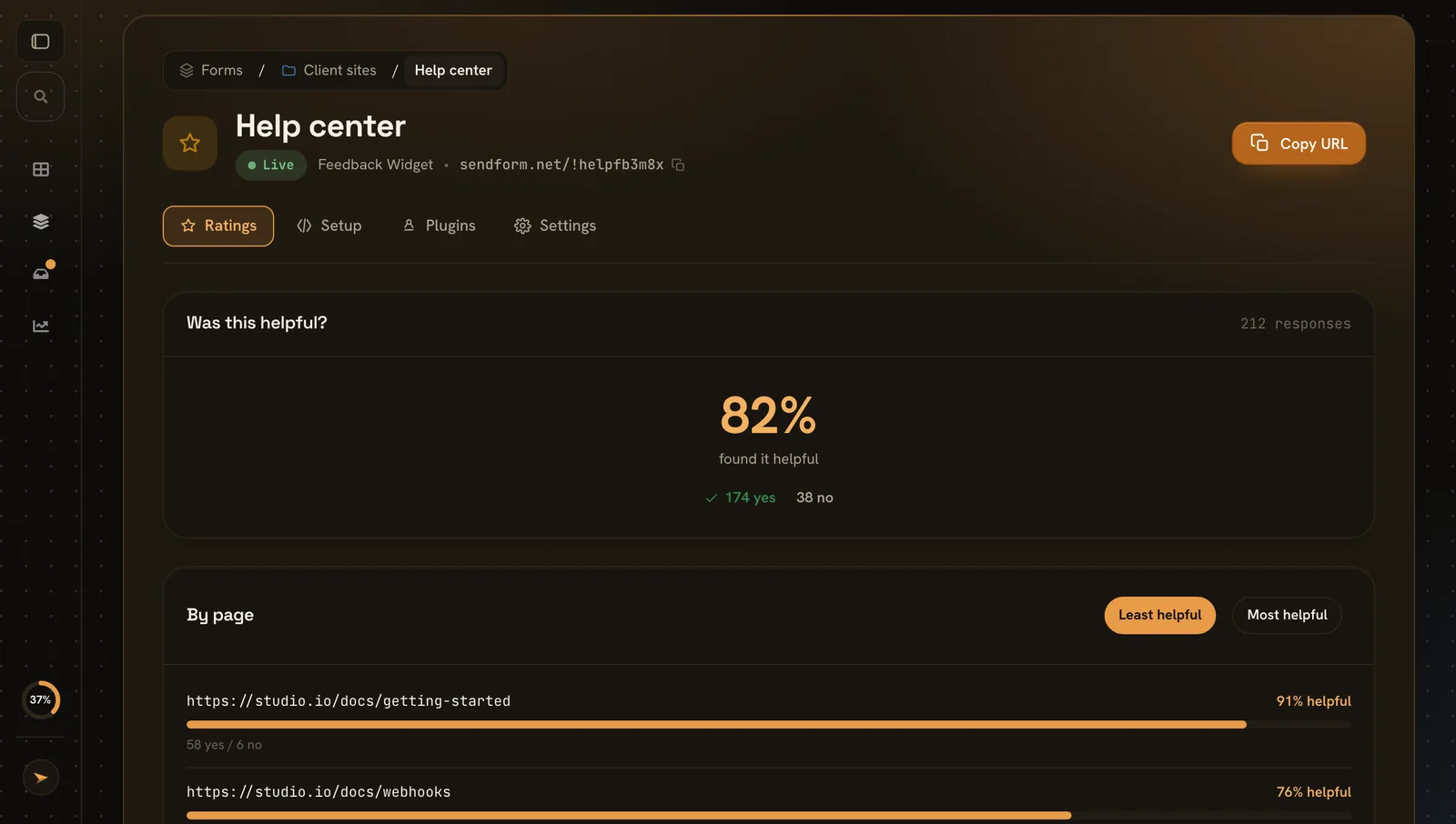
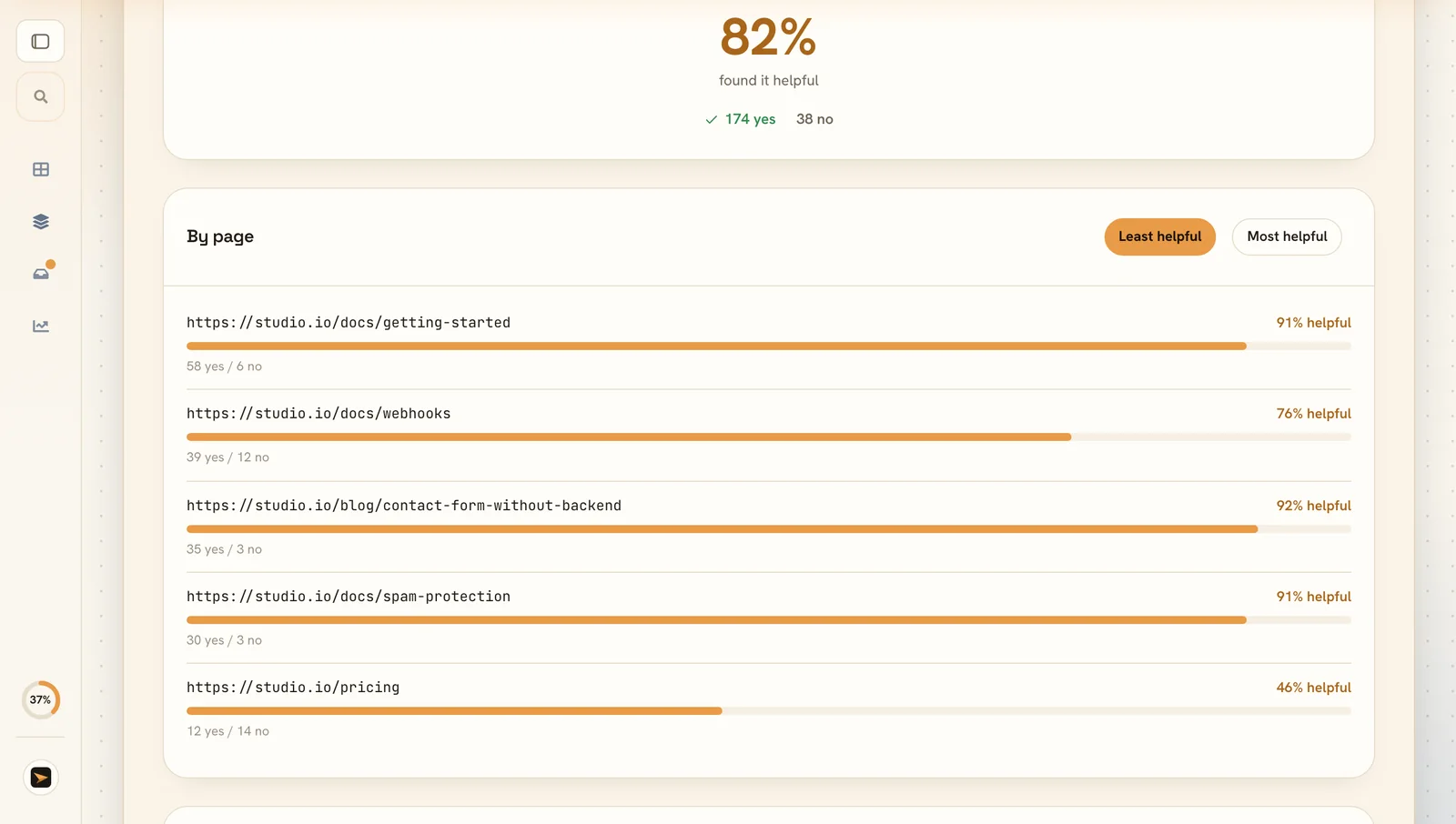
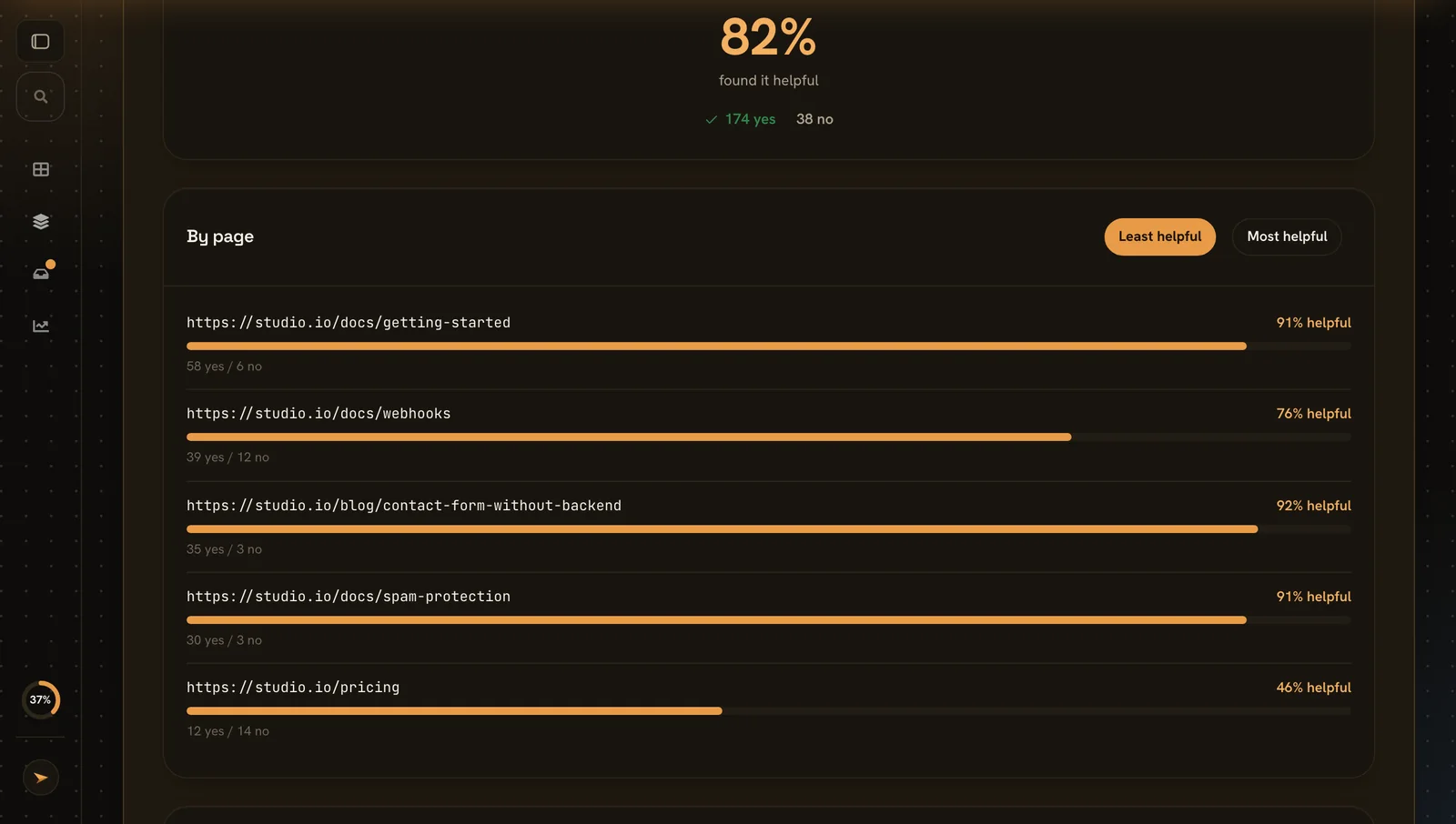
Was it helpful?
The share of people who found the page helpful.
- Helpful percentage at a glance
- Yes and no both counts next to it
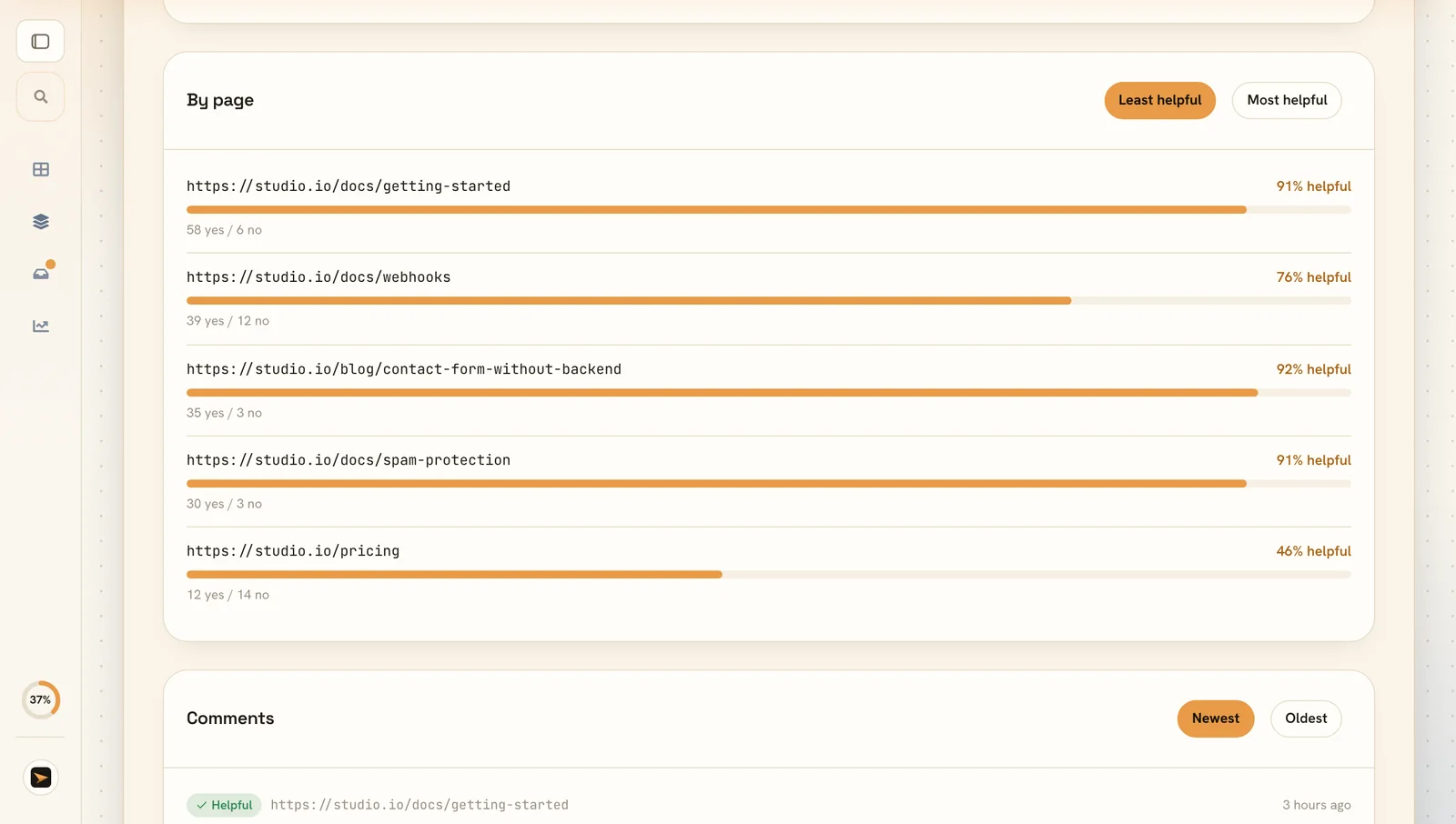
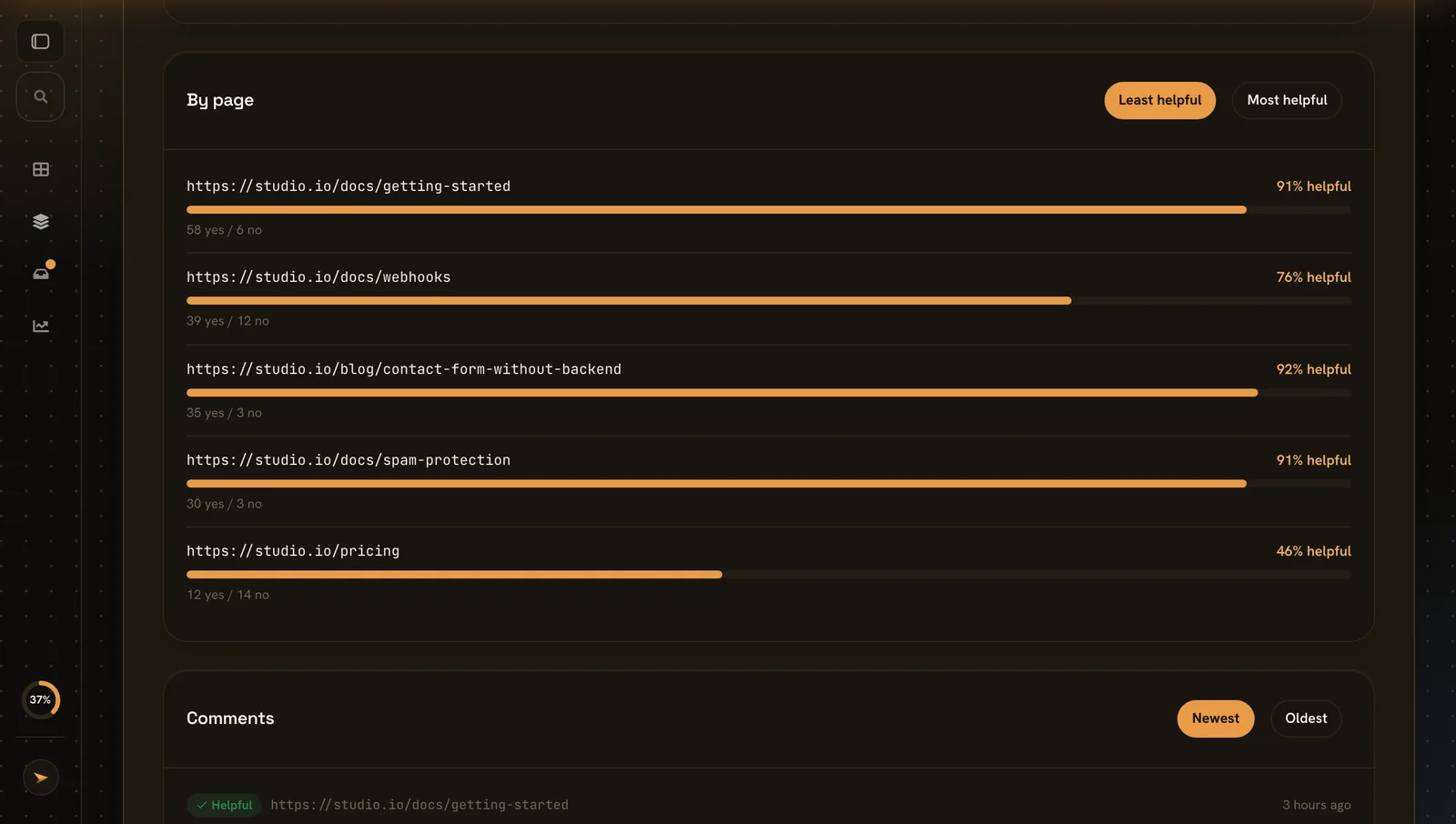
Which pages need work
Every page with its own votes, so weak pages stand out.
- Per page votes and score for each URL
- Sort least or most helpful first
Read the comments
What people wrote, with their vote and the page.
- Vote and page next to every comment
- Newest or oldest first
Two lines of HTML
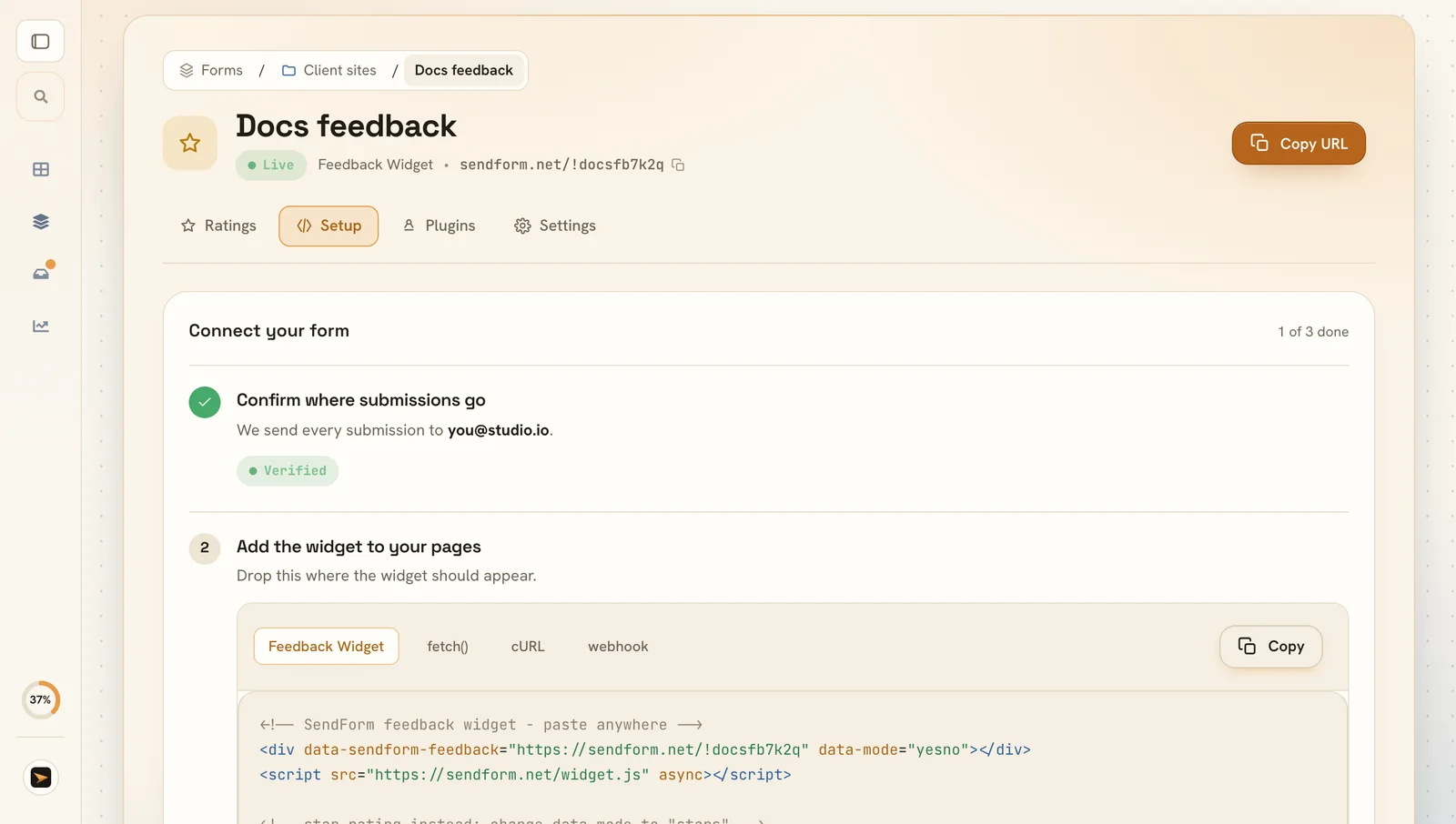
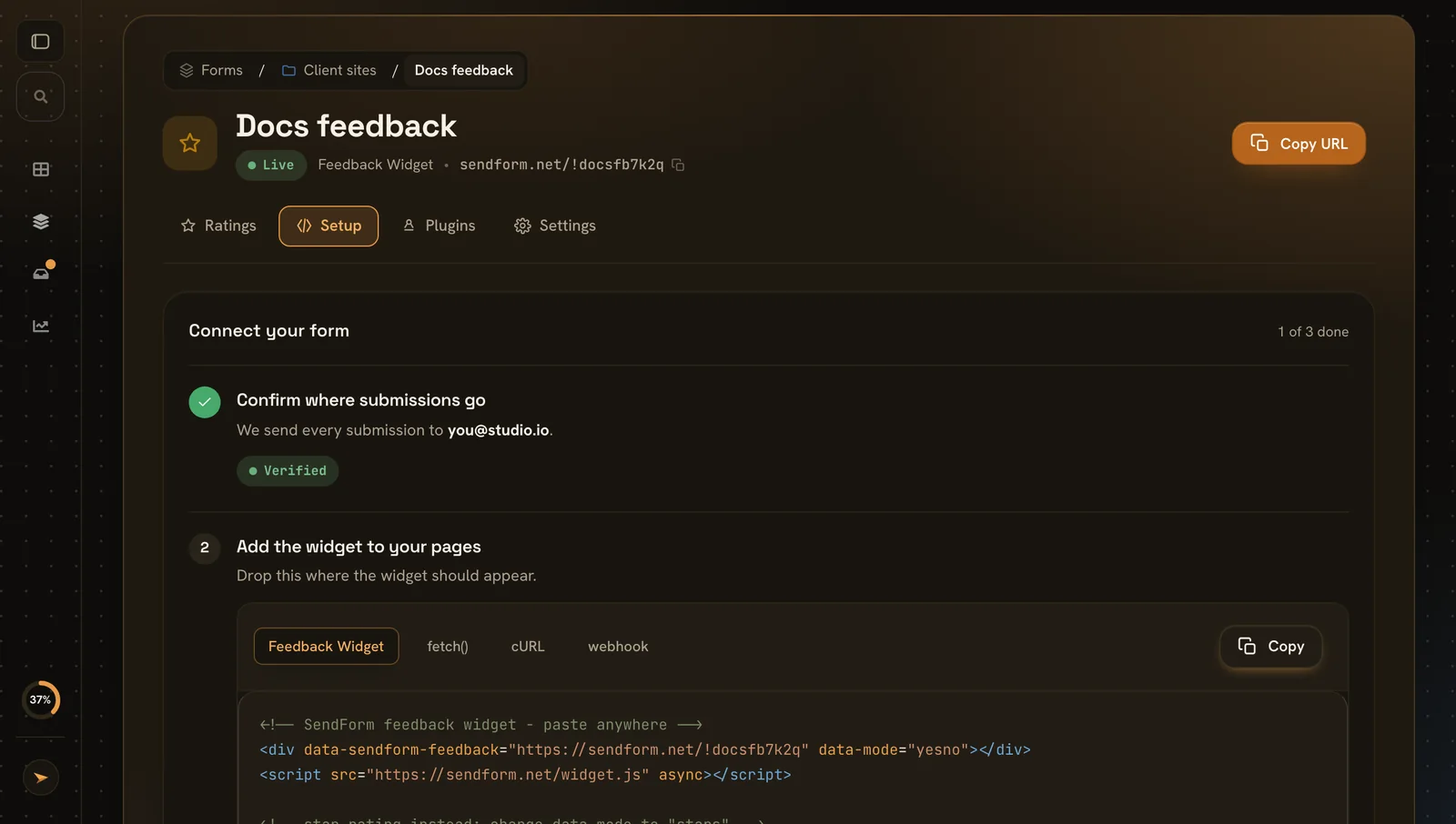
Paste the snippet where the widget should appear.
- Snippet a div and one script tag
- Mode yes or no, or stars
- Any website docs, blogs and shops
One widget, honest signal.
A simple Yes / No question gets far more responses than a survey. Here is what people use a page feedback widget for.
Rate your docs
Add 'Was this page helpful?' to every docs page and find out exactly which ones leave readers stuck.
Grade blog articles
See which articles land and which fall flat, without asking readers to fill in a single field.
Collect a reason
After a vote, ask for an optional comment, so a 'No' comes with the why, not just the number.
Spot weak pages
The dashboard breaks the helpful rate down per page, so the pages that need work rise to the top.
Validate a feature
Ship a new page or feature and read the reaction the same day, straight from the people using it.
Get pinged on the bad ones
Send feedback with a comment straight to Discord, Slack, Telegram, or Mattermost as it arrives.
Feedback shouldn't need a survey.
The more you ask, the fewer people answer. A one-tap widget flips that: almost anyone will click Yes or No, and you still learn where a page falls short.
The old way
Embed a survey tool, wire up an account, and hope readers make it past the first question.
Most people close a multi-field form, so you hear from the loud few and miss everyone else.
Results land in a separate tool you never open, disconnected from the page they were about.
With SendForm
Paste two lines and a Yes / No widget appears, styled and ready, on any page you like.
One tap is all it takes, so you hear from the many, not just the vocal few.
Every vote is tied to its page, with the helpful rate and comments right in your dashboard.
Built for anyone who publishes pages.
If you can add two lines of HTML to a page, you can collect feedback on it. No backend or survey tool required.
Docs & knowledge bases
Find the pages that confuse readers and fix them before they file a support ticket.
Bloggers & writers
Learn which posts resonate and write more of what your readers actually find helpful.
SaaS & product teams
Gauge how new features and help pages land, and route the negative ones to your team chat.
Developers
Drop in a self-contained widget that styles itself and needs no framework or build step.
No-code & site builders
Using a builder that lets you paste HTML? Add the widget to any page in seconds.
Agencies
Add page feedback to client sites and report back on exactly which pages perform.
Everything the widget does
All options of the feedback and star rating widgets.
Widget
- Yes or noWas this helpful?
- Stars1 to 5
- CommentsOptional, after the vote
Results
- Average and spreadFor star ratings
- Helpful percentageFor yes or no
- Per pageEvery URL on its own
Alerts
- First responseA notification when your widget goes live
- Low ratings with a commentSo you can act on them
- PluginsEvery comment, or every vote, to Slack, Discord, Telegram or Mattermost
Install
- Two lines of HTMLNo build step
- Any websiteDocs, blogs, shops and site builders
Look
- Matches your siteLight or dark, picked from the page behind it
- Your coloursSwatches, your site colour or any colour you like
- No codeChange the look in the dashboard, live on every page
Plans
- Paid plansFeedback widgets are part of every paid plan
- Same inboxNext to your contact and online forms
Live in three steps
Two lines of HTML, results per page.
-
1Step 1
Create a feedback widget
Choose yes or no, or stars.
-
2Step 2
Paste two lines
Add the snippet under your content.
-
3Step 3
Read the results
See the score, every page and every comment.
Two lines, on any page.
No SDK, no build step. Paste the widget where you want it and it styles itself and starts collecting votes.
<div data-sendform-feedback="https://sendform.net/!yourFormId" data-mode="yesno"></div>
<script src="https://sendform.net/widget.js" async></script>
And here is exactly what those two lines produce, try it, nothing is sent:
Match your site
The widget picks light or dark from the page behind it and follows your theme switch. Pick colours, corners and the question in the dashboard, no code needed, or set any of these in the snippet.
<div data-sendform-feedback="https://sendform.net/!yourFormId"
     data-mode="stars"
     data-theme="auto"
     data-accent="var(--primary)"
     data-background="transparent"
     data-radius="8"
     data-font="inherit"></div>
- data-theme
- auto, light or dark. Auto matches the page.
- data-accent
- Buttons and stars. Any colour, your own variable like var(--primary), or auto to use your site accent
- data-background
- Card colour, or transparent
- data-text
- Question and button text
- data-border
- Card and button borders
- data-radius
- Corner rounding in pixels
- data-font
- inherit uses your page font
- data-question
- Your own question text
Feedback widget questions.
It is a small Yes / No prompt you place at the bottom of a page. Visitors answer in one tap, and each vote is recorded against the page it was on, so you learn which pages help readers and which leave them stuck.
Paste two lines of HTML where you want it: a <div> with your form id and the widget script. It styles itself and starts collecting votes right away, with no build step.
Yes. After the Yes / No tap, the widget invites an optional comment, so a 'No' can come with the reason why. Comments show up next to the vote in your dashboard.
Yes. The dashboard shows a helpful rate and vote count for every page the widget runs on, so the pages that need work rise straight to the top.
Yes. Route feedback, especially votes that come with a comment, straight to Discord, Slack, Telegram, or Mattermost, so your team sees it as it arrives.
Yes. Once a visitor votes on a page, the widget remembers and shows a thank-you instead of asking again, and the backend limits repeat votes from the same source, so your numbers stay honest.
You can create a free account and try SendForm with no credit card. Feedback forms are a paid feature, so check the pricing page for the plan that includes them.
Yes. It picks light or dark from your page automatically. In the dashboard you choose the accent colour, corners, font and question, and the change shows up on every page right away, no new code. Developers can also use attributes like data-accent.
Start hearing from your readers.
Create your free account and add a 'Was this helpful?' widget to any page in two minutes. No servers, no credit card.