
SendForm.net

The Google Forms alternative with more options

Build branded online forms in minutes. Start from a template, add questions, match your colours and share one link. Redirects, chat notifications and one response per person without a Google sign-in are built in.

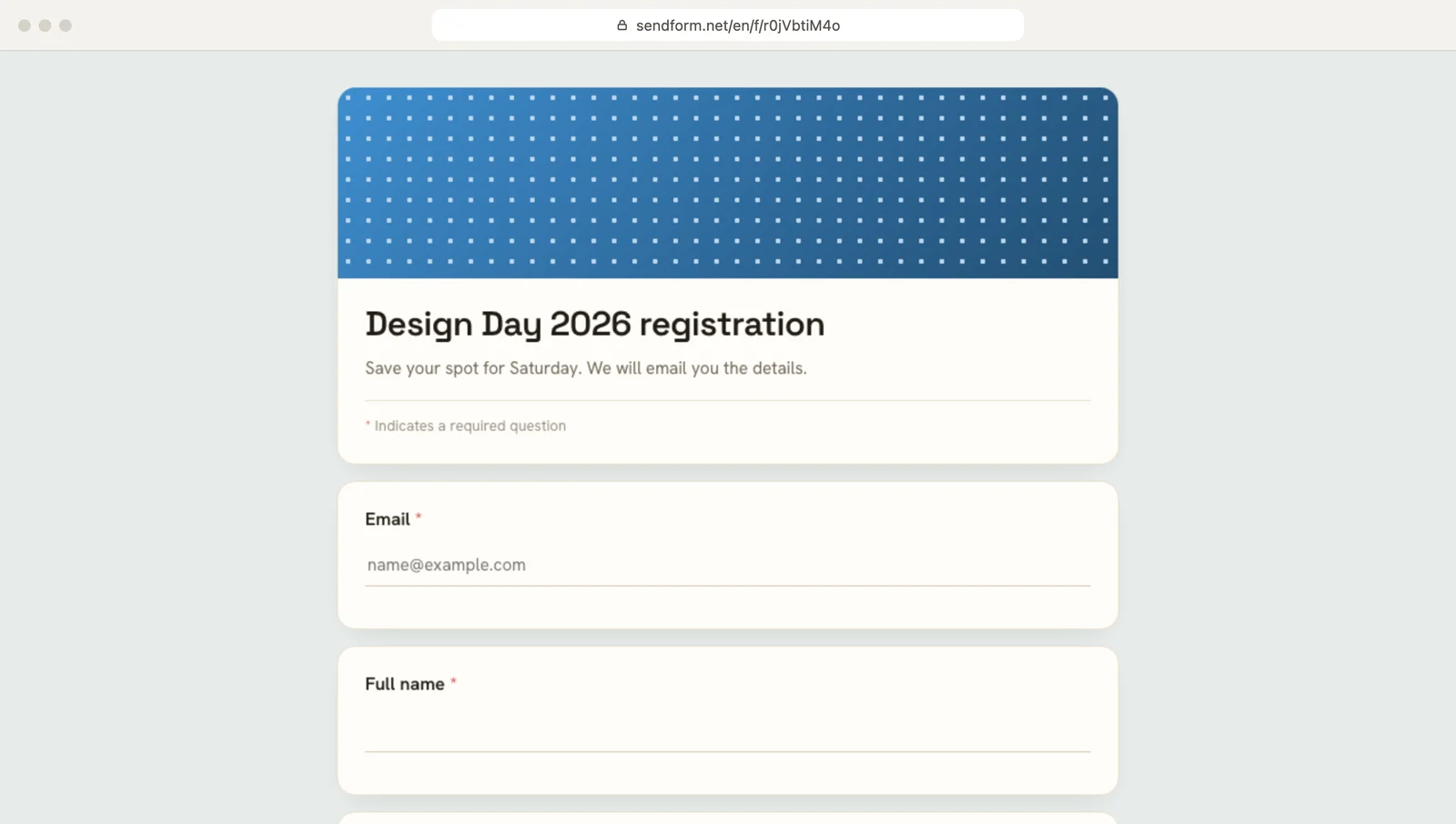
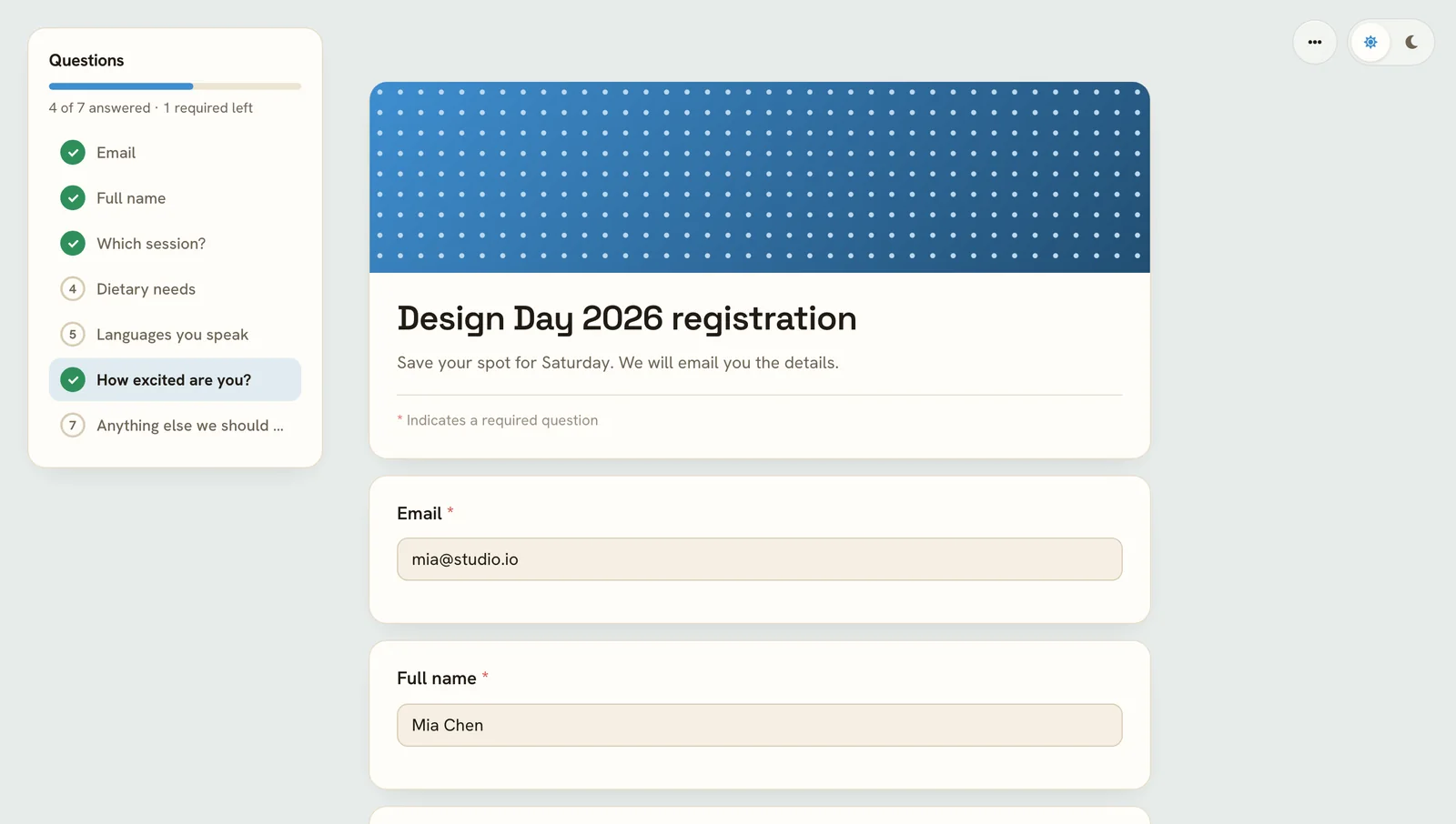
A published online form as people see it in the browser
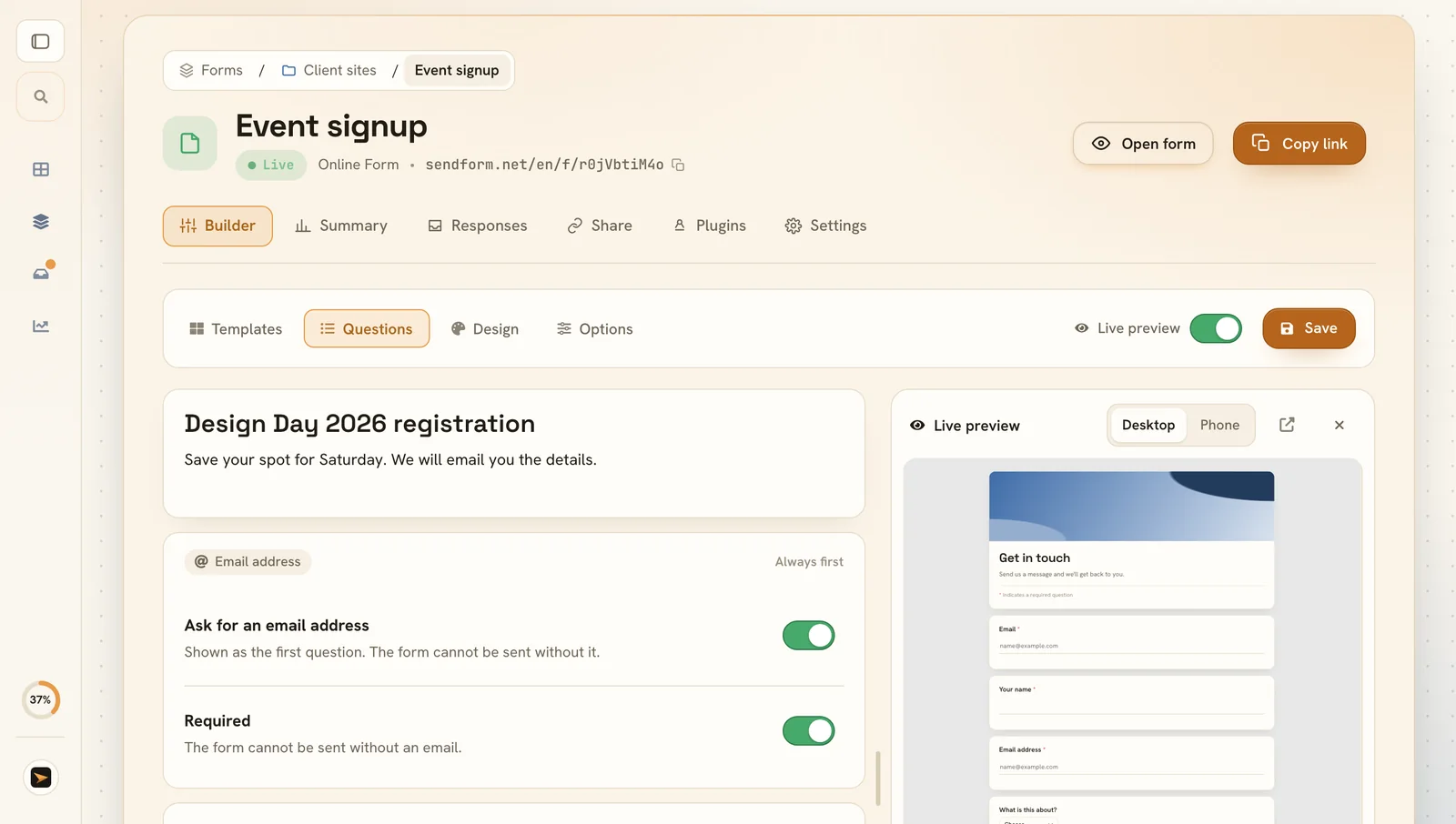
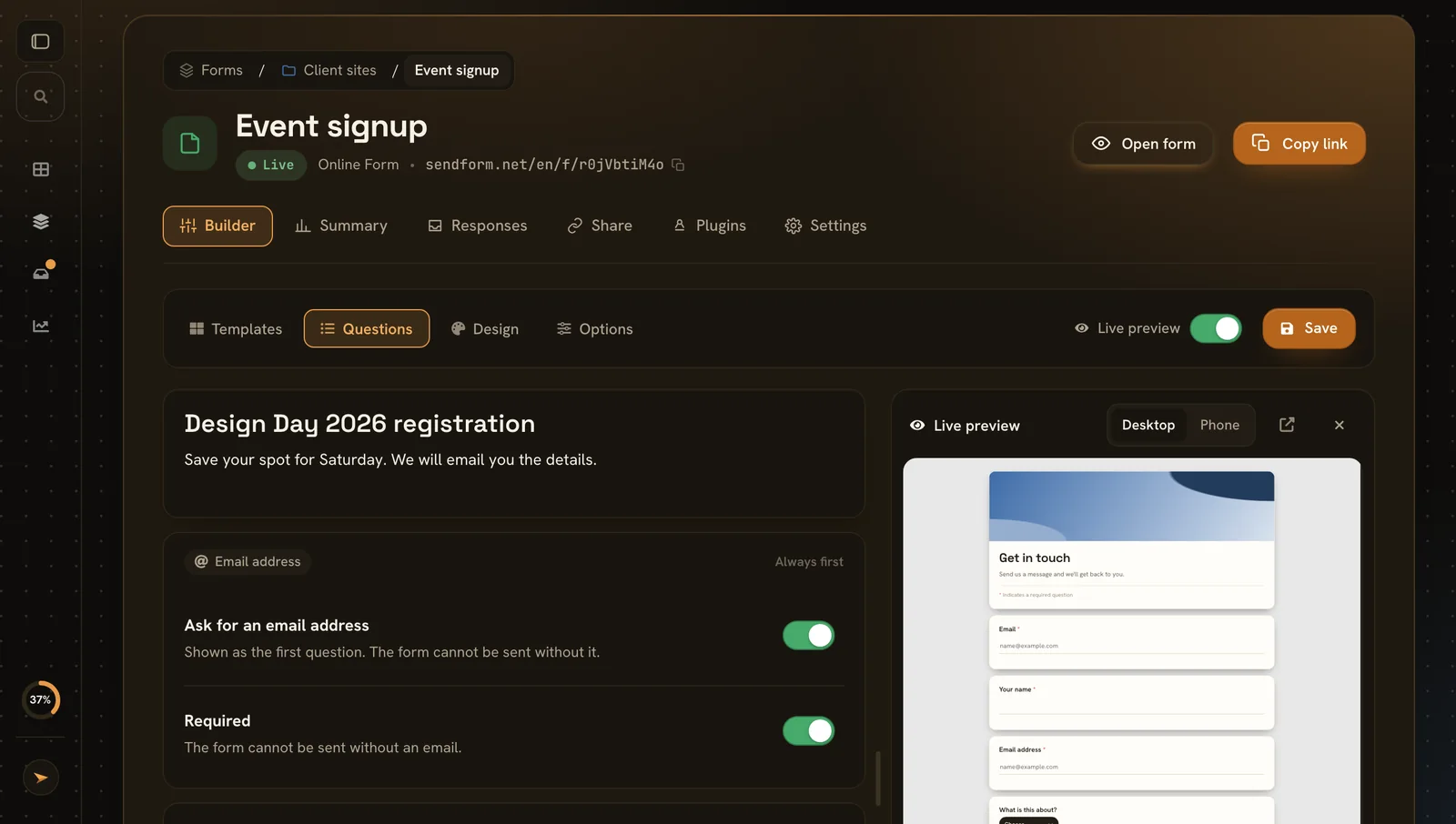
The form builder with questions and a live preview

Every screen of the builder

Six screens, and what you can do on each.

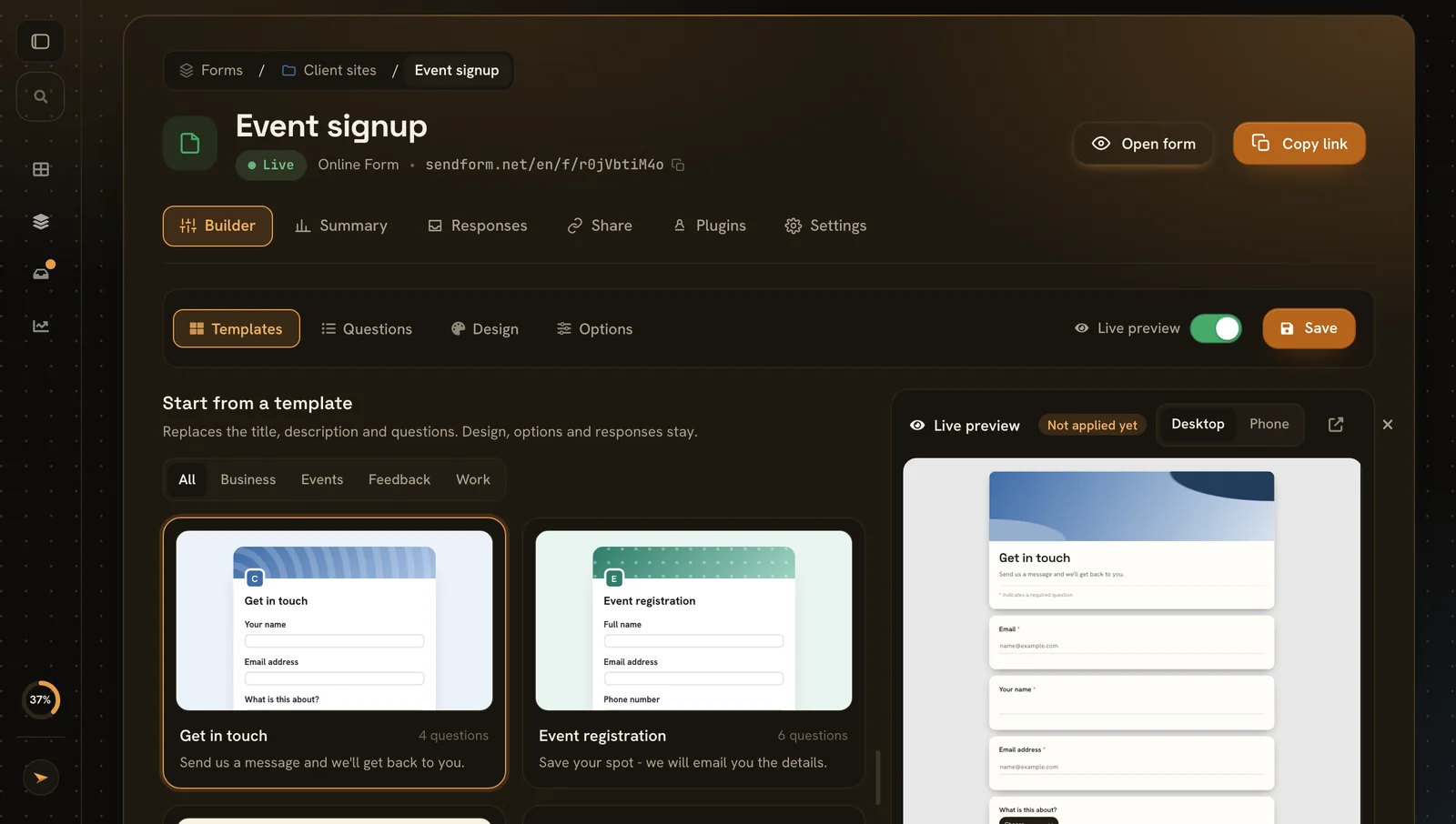
Start from a template

Start from a template

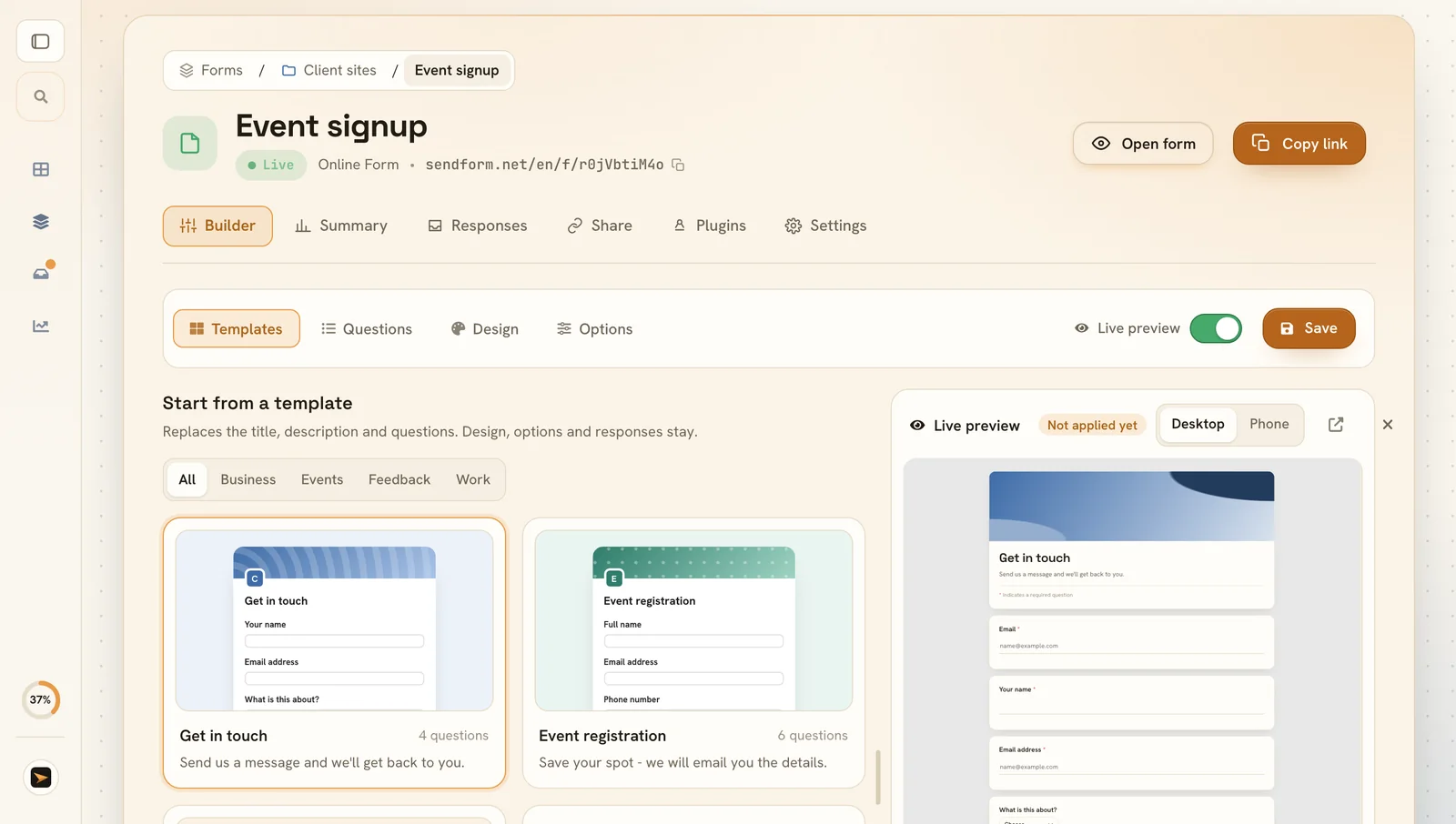
Ready-made forms for contact, events, feedback and hiring. Apply one and change anything.

  • Filters All, business, events, feedback and work
  • One click fills the title, description and questions
  • Preview first design, options and responses stay as they are
Add your questions

Add your questions

15 question types, plus titles and page breaks.

  • Required or optional per question
  • Email first so you can reply to everyone
  • Live preview on desktop or phone
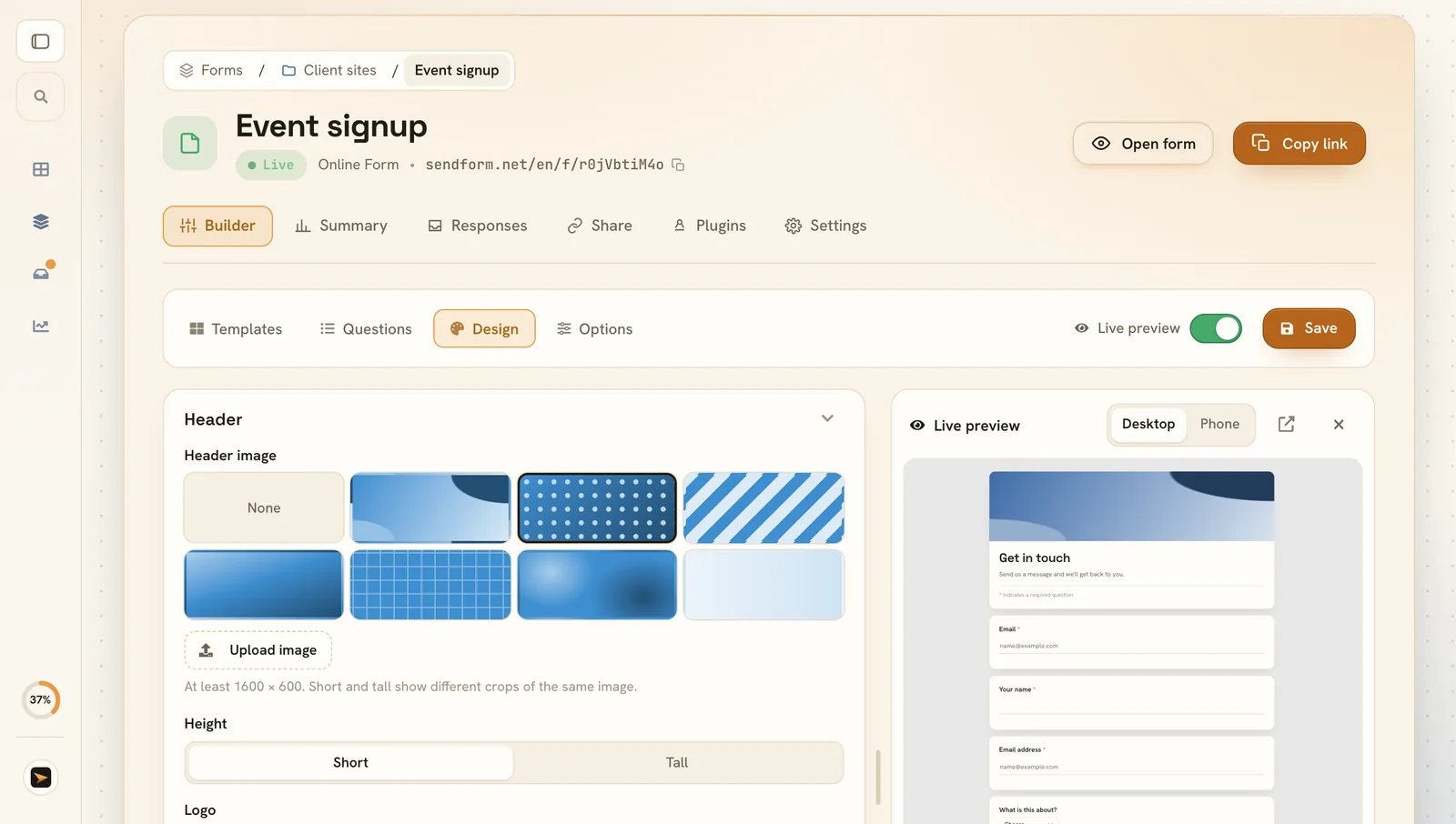
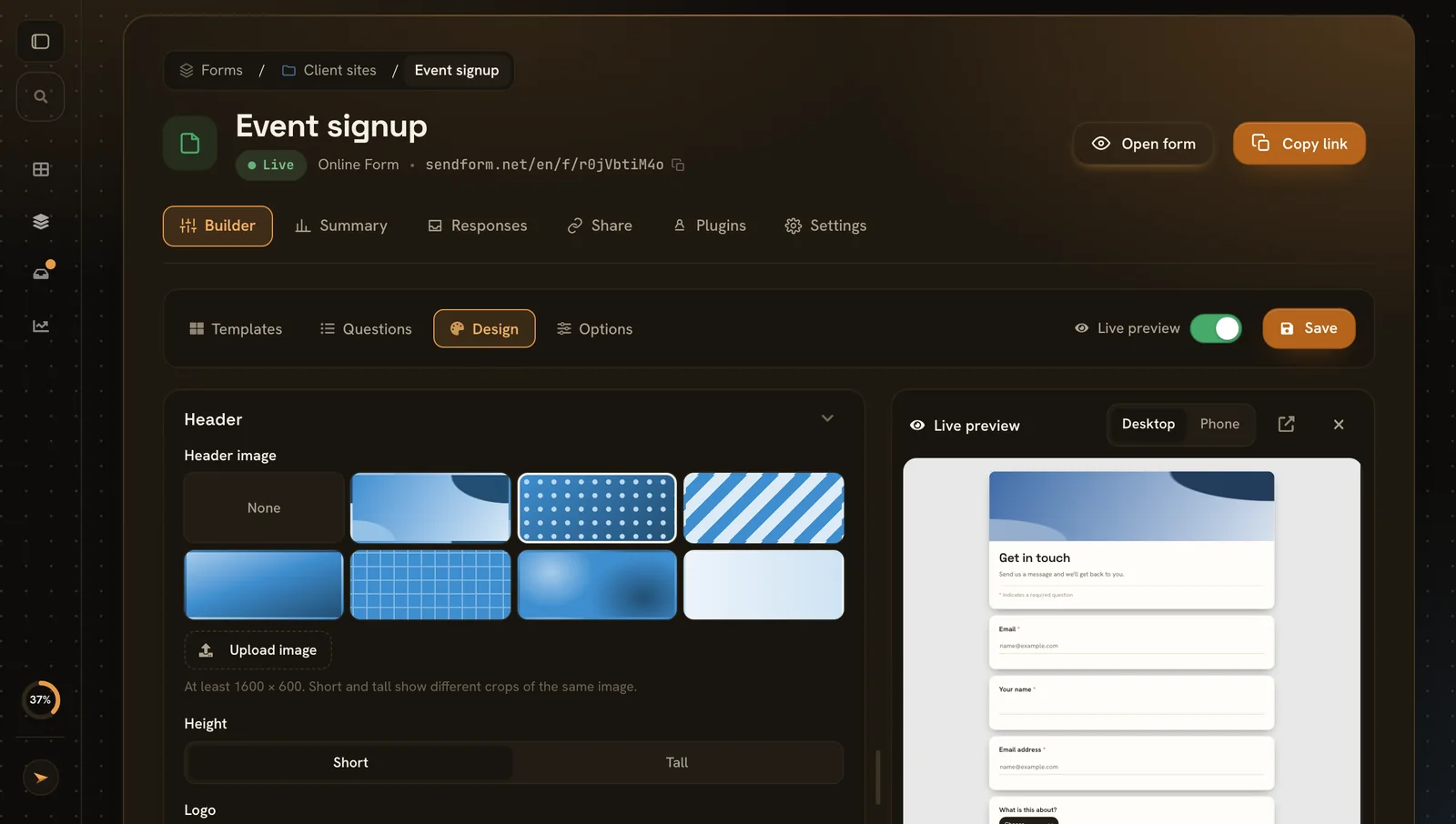
Match your brand

Match your brand

Header art or your own image, logo, colours and fonts.

  • Header presets or your own picture, short or tall
  • Logo above the title
  • Colours and fonts your accent colour and a font pairing
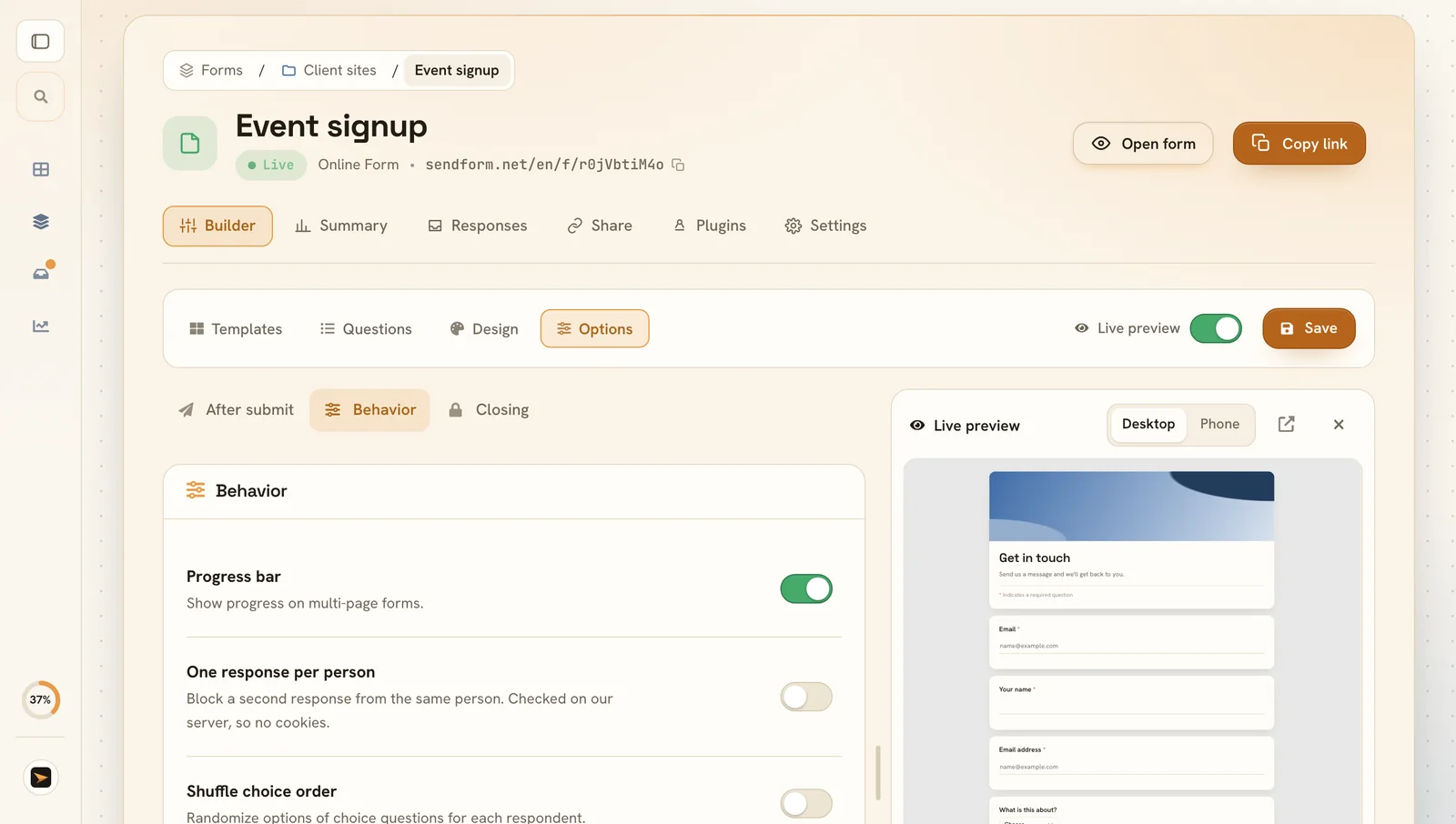
Decide what happens

Decide what happens

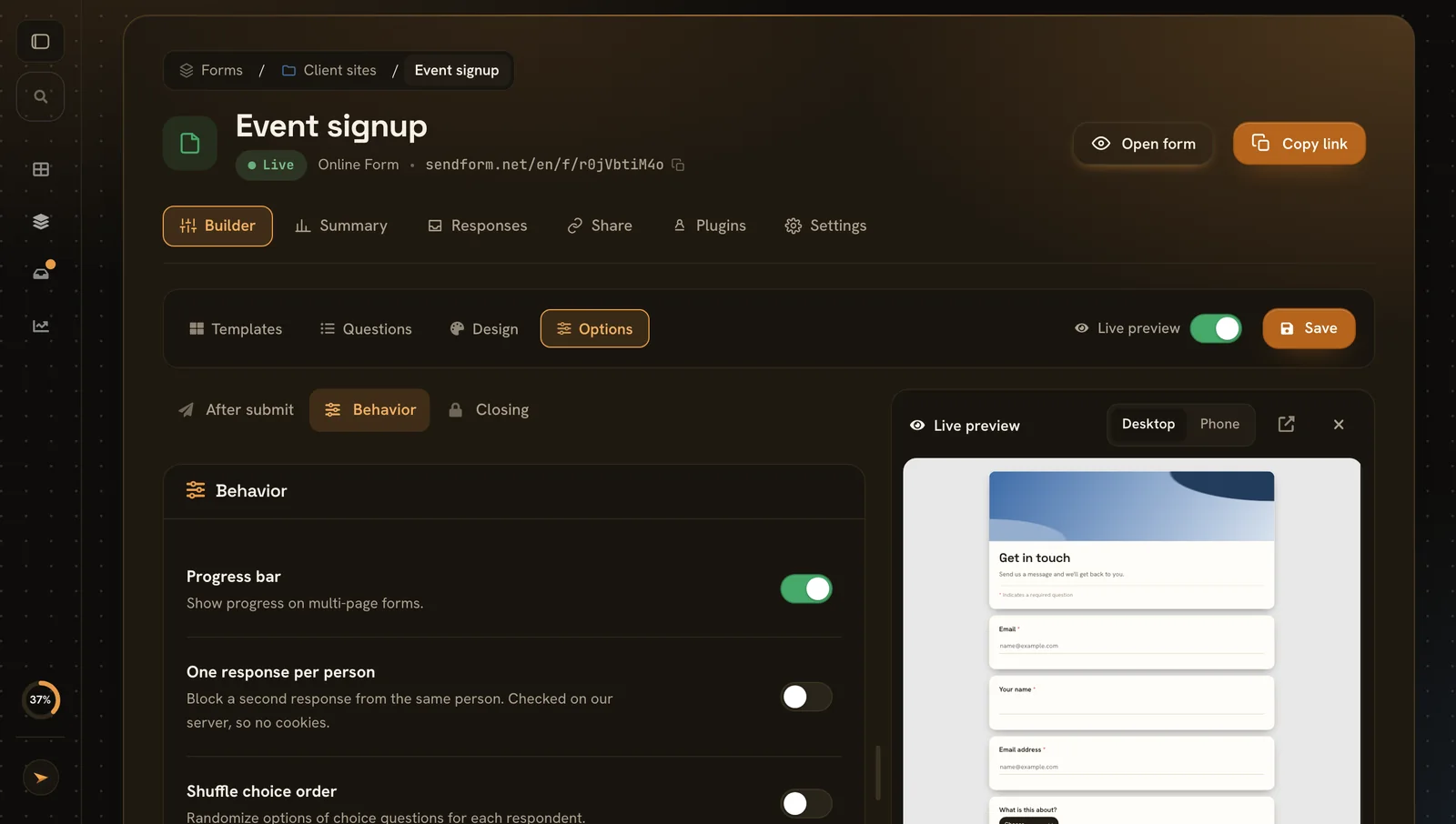
What people see after sending, how the form behaves and when it closes.

  • After submit a thank-you message or a redirect
  • One response per person checked on our server, no cookies
  • Closing a closing date, a response limit and a closed message
Share it anywhere

Share it anywhere

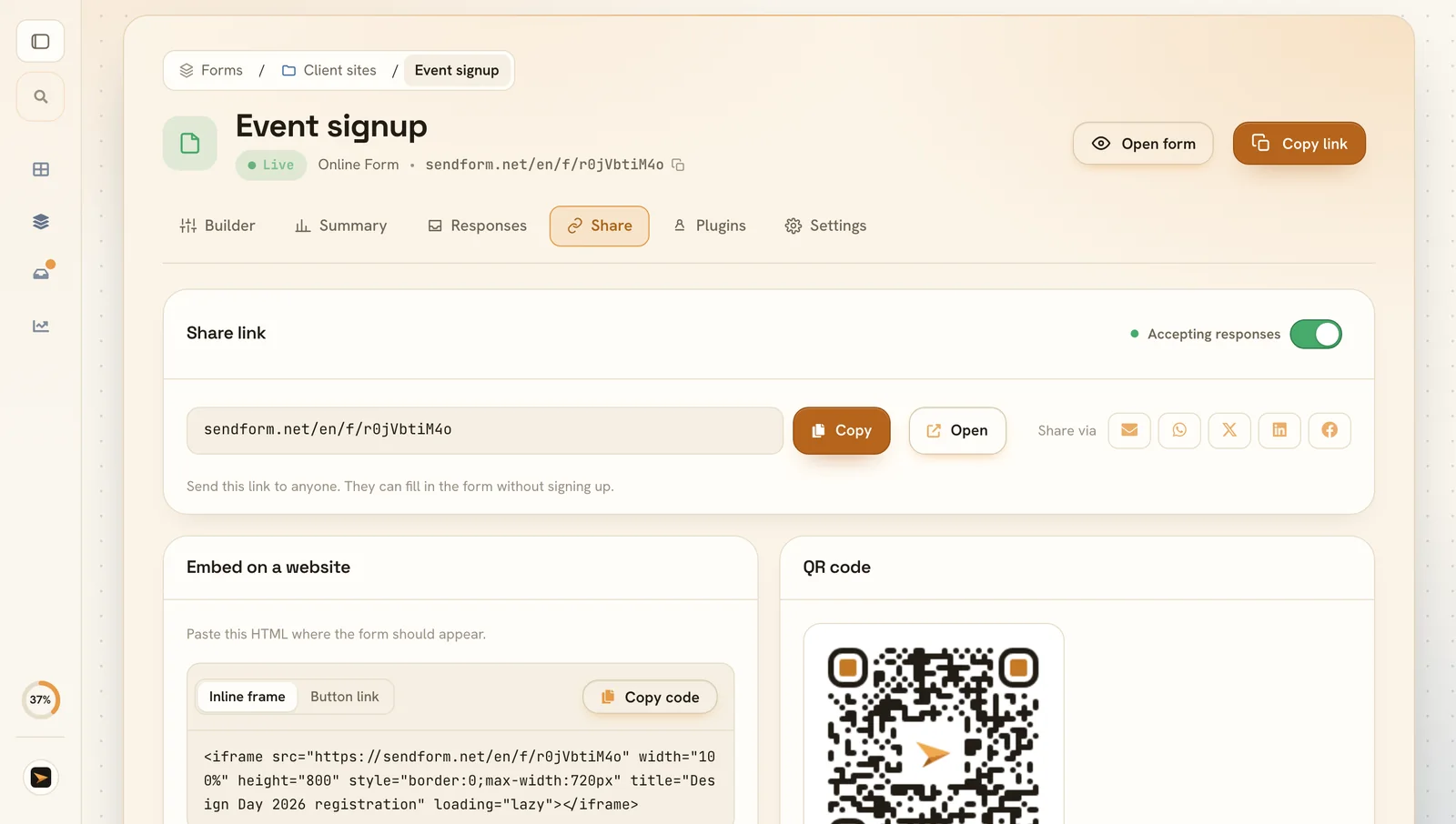
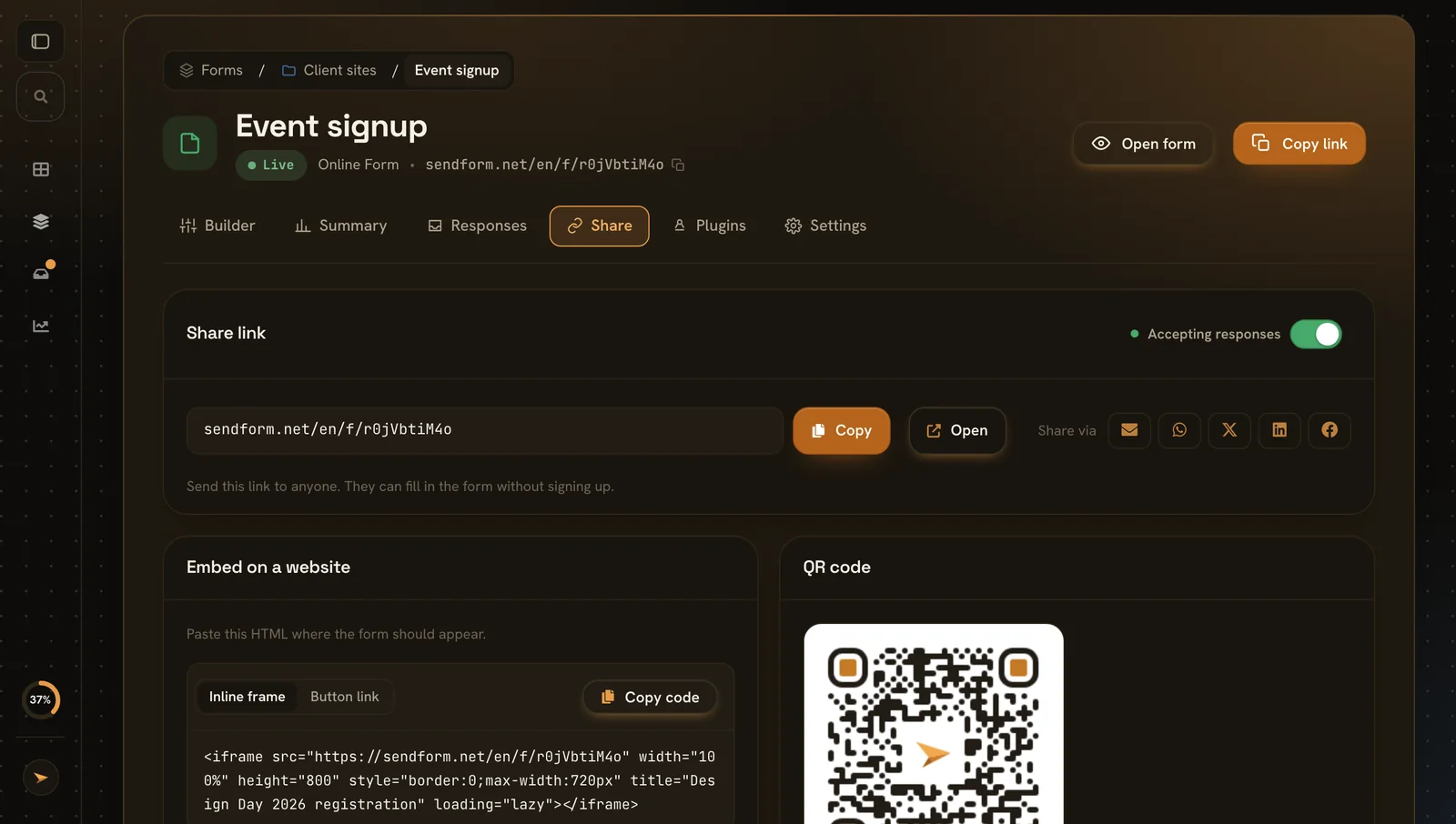
One link for everything: copy it, embed it or print a QR code.

  • Link copy, open or send it
  • Embed an inline frame or a button link
  • QR code for posters and flyers
See the results

See the results

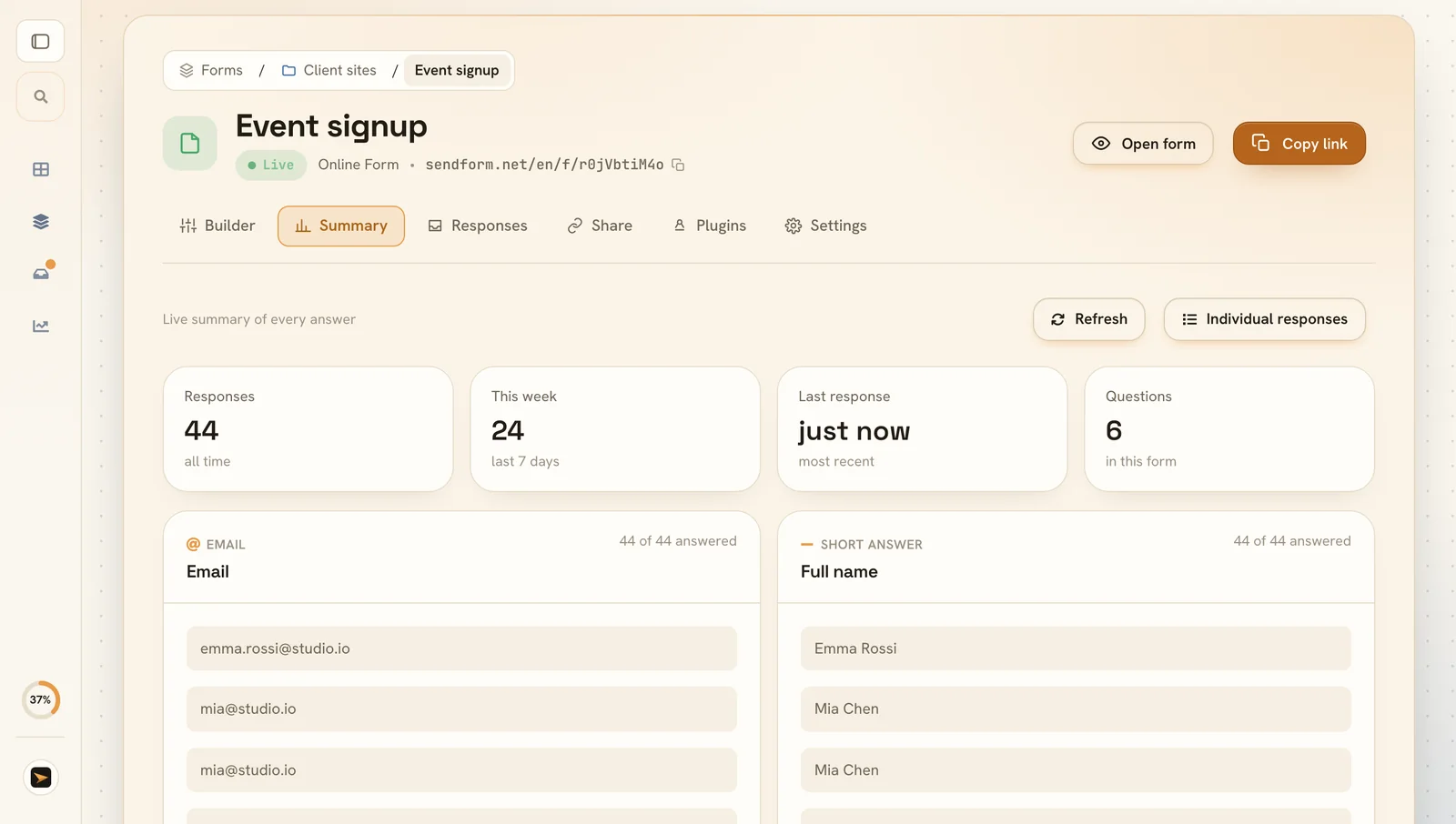
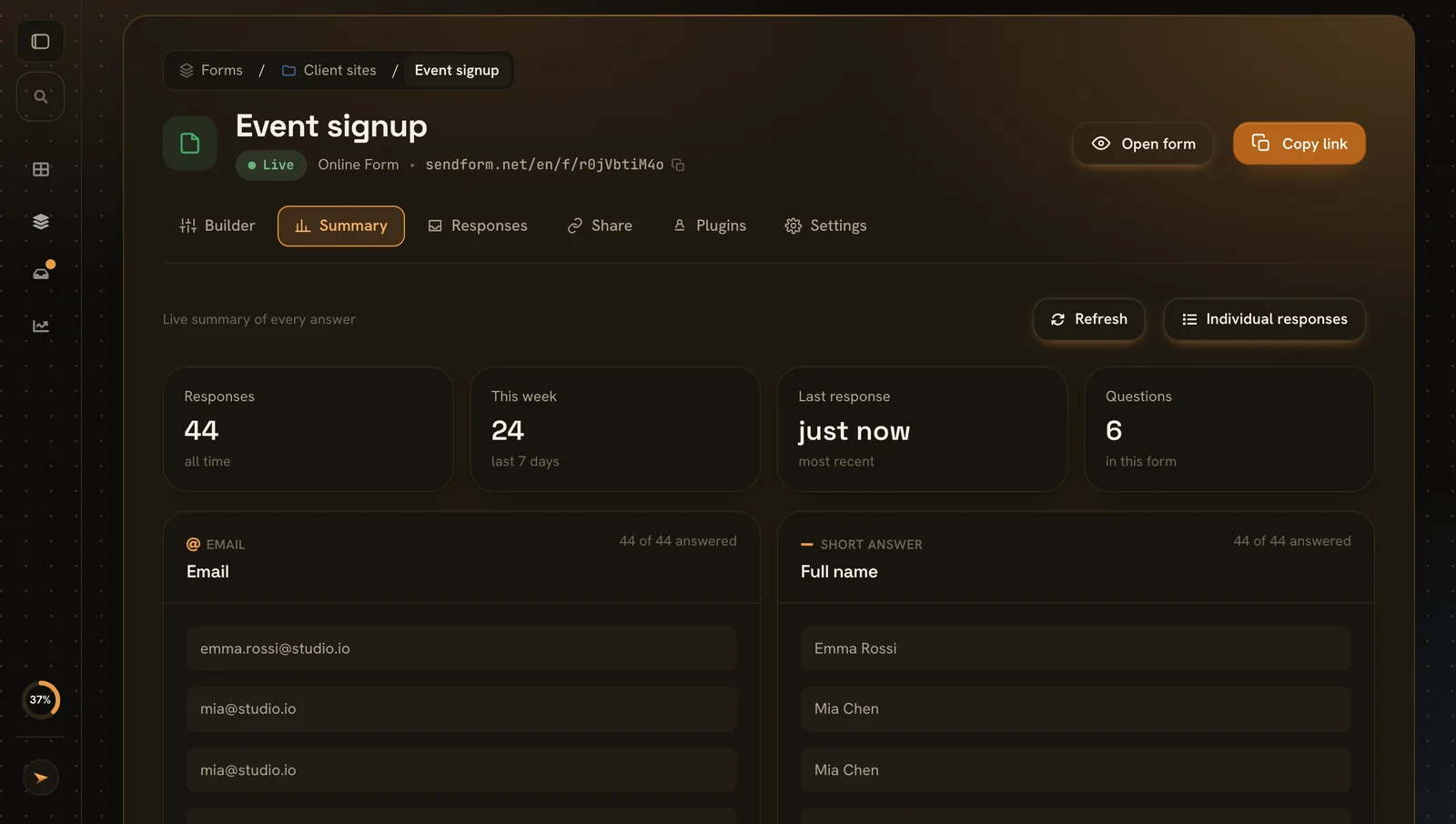
A live summary of every answer, plus each response on its own.

  • At a glance responses, this week and the latest
  • Every answer grouped per question
  • Inbox search, star and reply

Why SendForm online forms beat Google Forms

Google Forms gets answers in. SendForm also makes the form look like yours and easy to fill in, and it still takes about five minutes to set up.

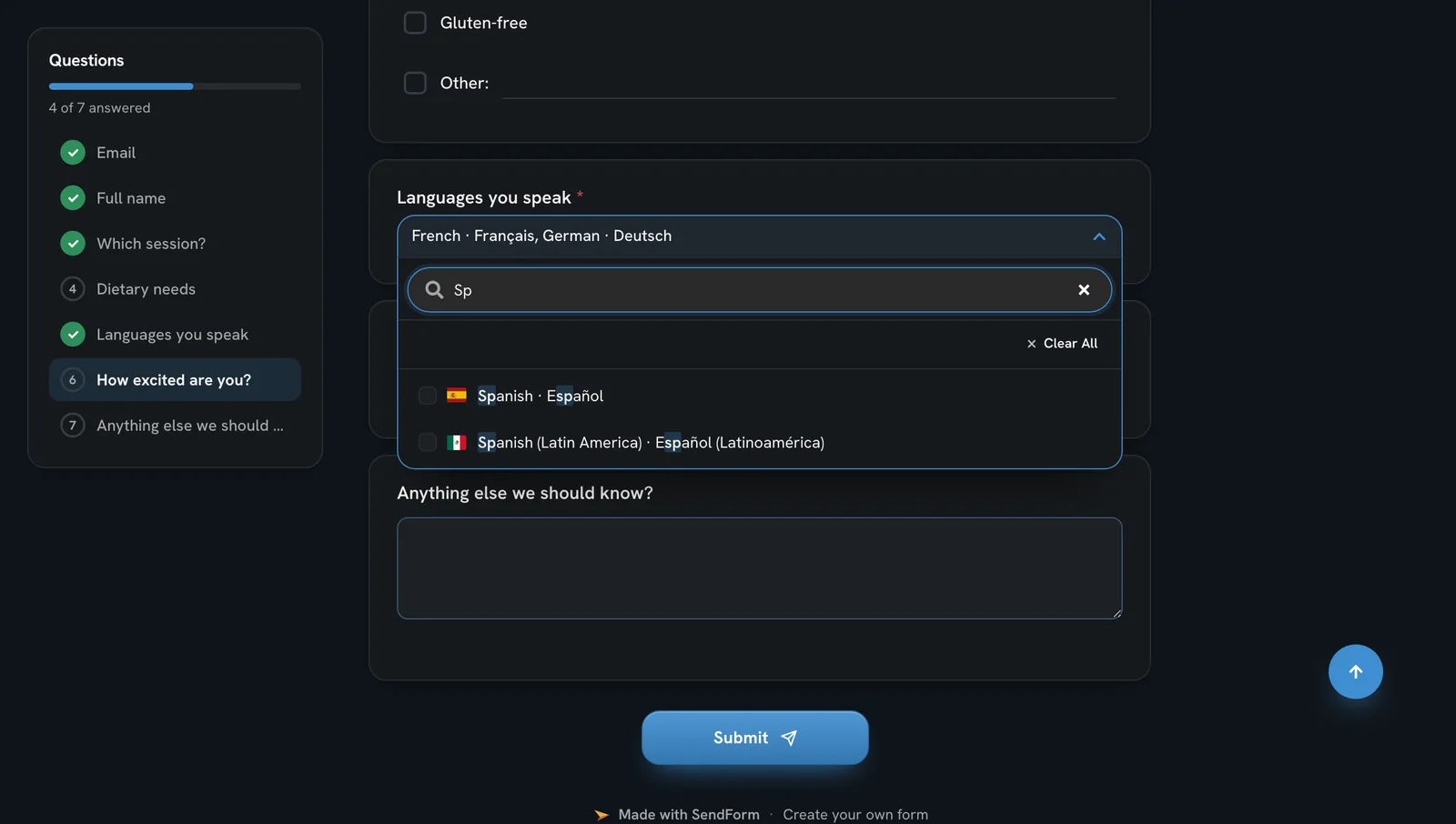
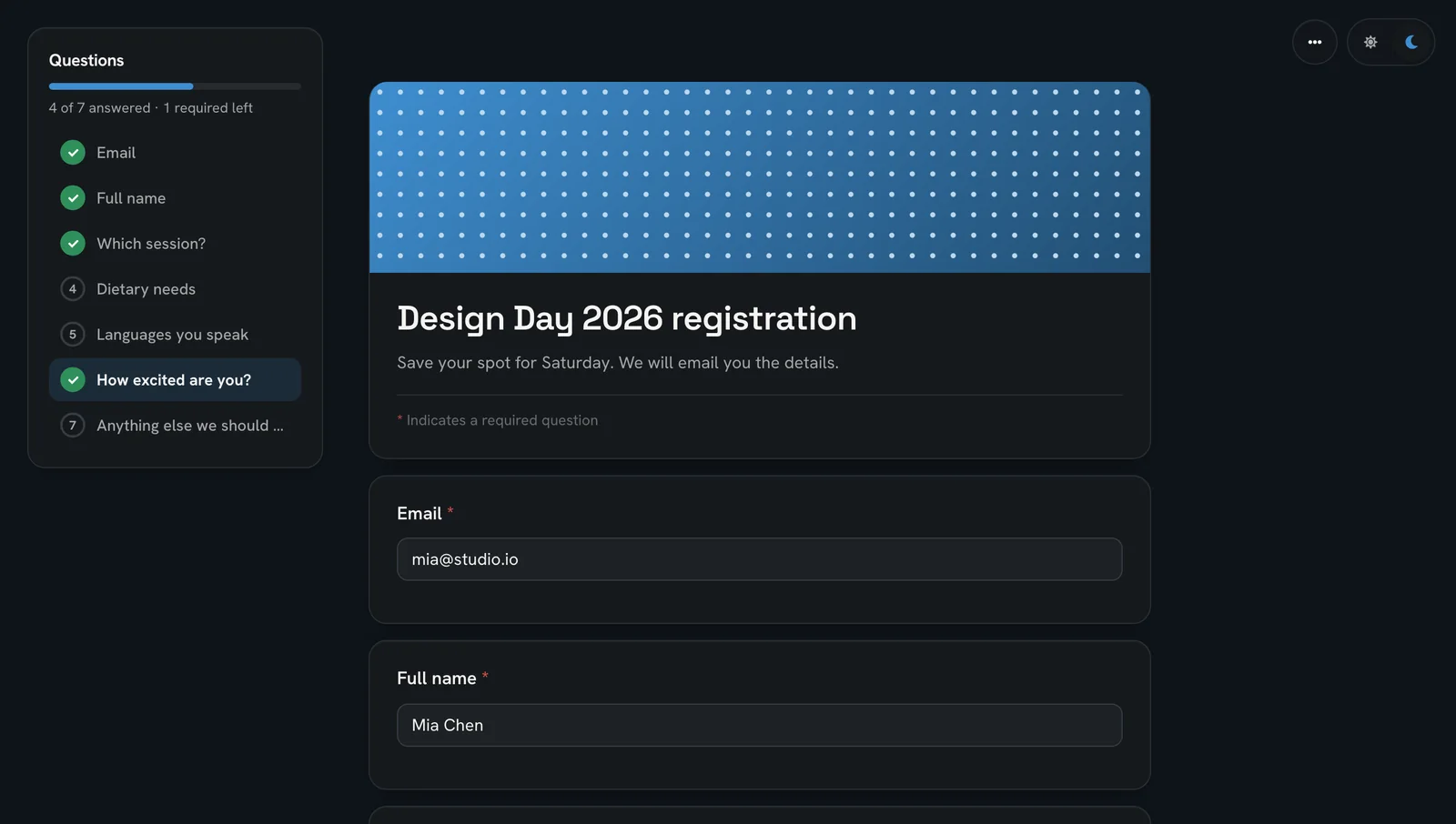
A published form with the list of questions beside it, answered ones ticked off

A form people actually finish

Every question sits in a list beside the form, ticked off as people answer and marked when something is missing. Long forms stop feeling endless.

  • Question list jump to any question and see what is left
  • Guided pages the next page opens once the required answers are in
  • Light or dark each person picks, always in your colours
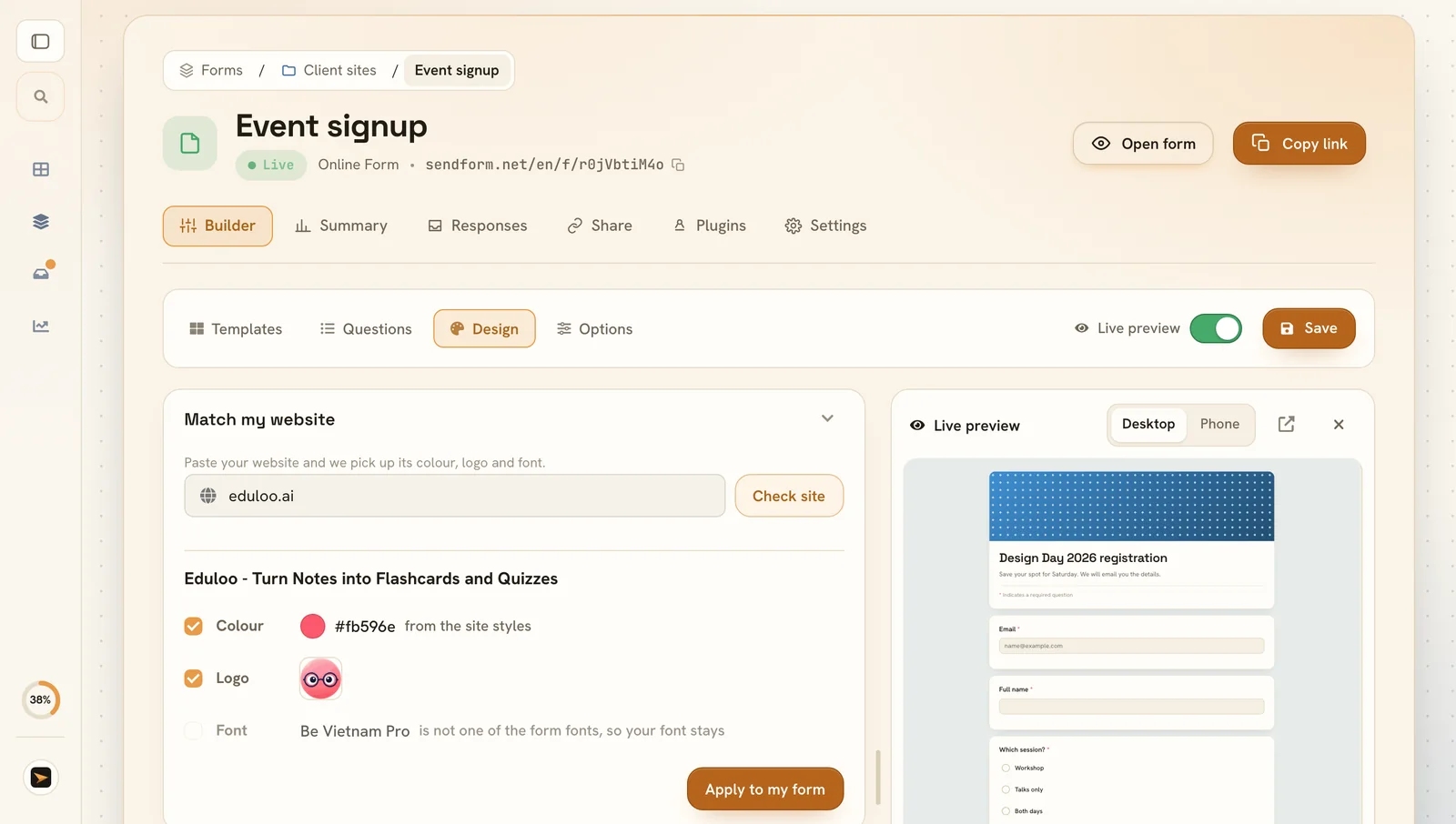
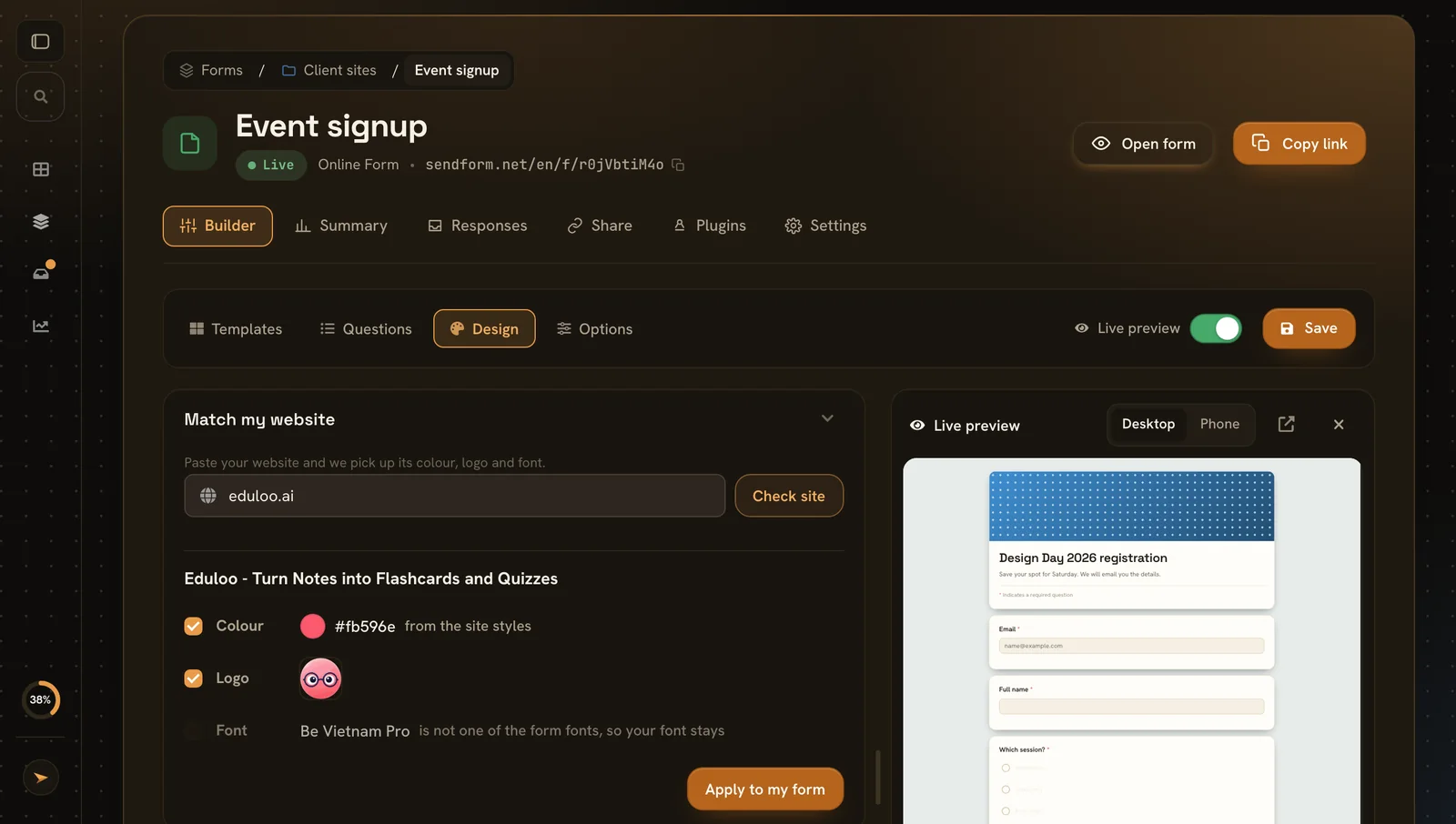
Match my website in the form builder, showing the colour and logo found on a website

Your look in one click

Paste your website and SendForm picks up your brand colour, logo and font, then shows them before anything changes.

  • Brand colour from your site styles or your logo
  • Logo and font apply all of it or only what you like
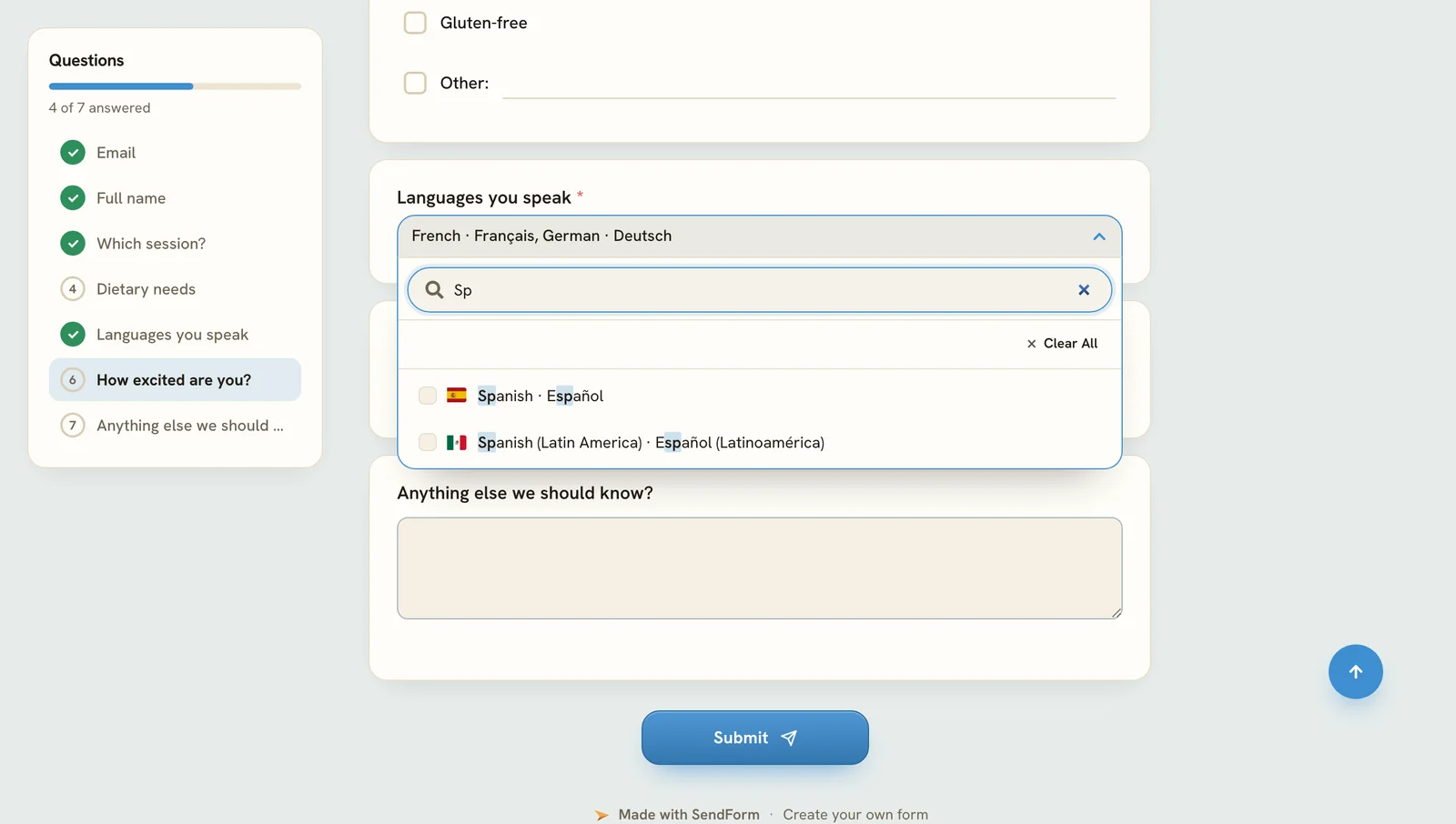
A language question with flags and a search box

94 languages, ready to go

Add a language question in one click. Flags, native names and search are built in.

  • Several at once people can pick more than one
  • Search a few letters find the right one
Form templates for contact, events, feedback and hiring

Live in five minutes, no code

Start from a template, change the questions, pick your colours and share the link. Nobody needs a Google account to answer.

  • Templates contact, events, feedback and hiring
  • Live preview desktop and phone while you edit
  • One link copy it, embed it or print a QR code

SendForm or Google Forms?

Both make forms anyone can fill in. Here is where SendForm gives you more.

Google FormsSendForm
Redirect after submitSend people to your own pageNoYes
One response per personWithout making people sign inOnly with a Google sign-inYes, checked on our server
Your brandLogo, header image, accent colour, fontsHeader image, colour and a few fontsAll of them
Slack, Discord, TelegramA message for every responseThrough add-onsBuilt in
WebhooksJSON to your own URLThrough Apps ScriptBuilt in, on paid plans
Contact forms on your siteKeep your own HTML formNoYes, same inbox
Question listSee every question and what is still missingNoYes
Light and dark themePeople pick, always in your coloursNoYes
Match your websiteColour, logo and font from your web addressNoYes, in one click
Language list94 languages with flags and searchType every option yourselfBuilt in

Google Forms is a trademark of Google LLC.

Everything you can set

A complete list of what the online form builder does, for when you are comparing tools.

Questions

  • 15 question typesShort and long text, email, number, phone, website, choices, dropdown, yes or no, scale, stars, date, time and file
  • Titles and pagesSplit long forms into pages
  • Language list94 languages with flags, pick one or several
  • Required or optionalPer question

Design

  • HeaderPresets or your image, short or tall
  • LogoShown above the title
  • Colours and fontsAccent colour and a font pairing
  • Match my websitePaste your address, check, apply

After submit

  • Thank-you messageYour own text
  • RedirectSend people to your website

Behavior

  • Progress barFor forms with pages
  • Question listTicks off answers, shows what is missing
  • Light and darkPeople pick, your colours stay
  • One response per personChecked on our server, no cookies
  • Shuffle choicesA different order for each person

Closing

  • Closing dateThe form closes on its own
  • Response limitClose after a number of responses
  • Closed messageWhat people see while it is closed

Sharing and results

  • Link, embed and QR codeOne link behind all three
  • Summary and inboxCharts per question, every response searchable
  • PluginsSlack, Discord, Telegram, Mattermost and webhooks

Live in three steps

About five minutes from template to link.

  1. 1Step 1

    Pick a template

    Or start with a blank form and add your own questions.

  2. 2Step 2

    Make it yours

    Change the questions, colours and header, with the preview next to you.

  3. 3Step 3

    Share the link

    Send it, embed it or print the QR code. Responses arrive in your inbox.

Online form questions.

Yes, when you want your own branding, a redirect after submit, chat notifications or one response per person without a Google sign-in.

No. Anyone with the link can fill it in on any device.

Yes. Pick an accent colour, a font pairing, a header image and your logo.

Turn on one response per person. It is checked on our server, without cookies.

Yes. Copy the embed code from the Share tab and paste it into your page, or link to it with a button.

Yes. Set a closing date or a response limit, and write the message people see once it is closed.

Build your first online form.

Free to start. No credit card, no Google account.